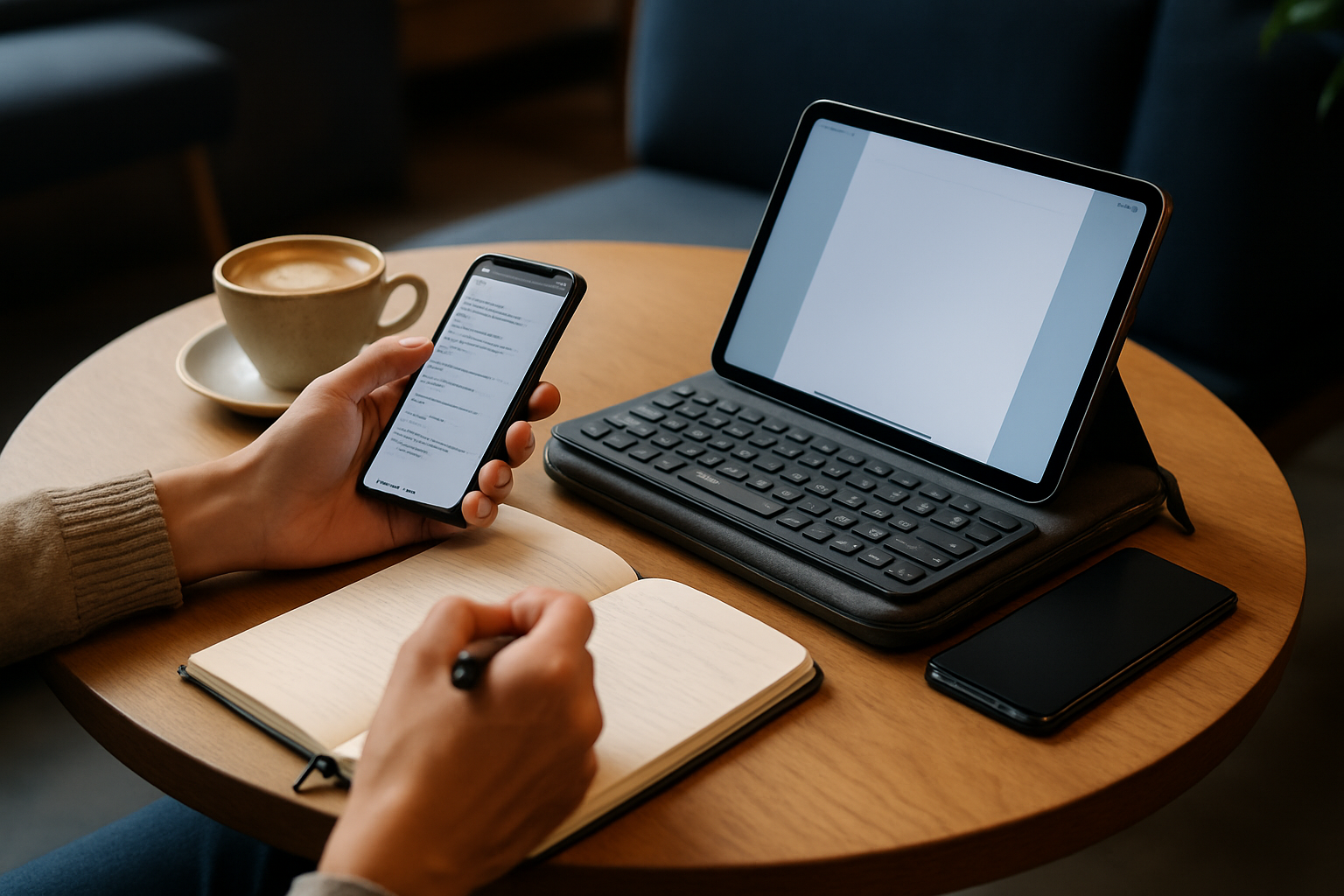
Why Your Travel Keyboard Decision Matters More Than You Think
Choosing a travel keyboard isn’t a minor accessory decision—it directly impacts how effectively you can work, study, or communicate while away from your primary setup. The difference between a well-chosen keyboard and a poorly matched one becomes painfully obvious the moment you try to type a long email on a cramped layout or deal with lag during an important task.
For anyone relying on a tablet or smartphone as a productivity tool, the keyboard becomes the central interface. A bad one introduces friction: missed keystrokes, awkward spacing, unreliable connections, and unnecessary fatigue. A good one disappears into your workflow, letting you focus entirely on your work.
In practical terms, this decision affects:
- Your typing speed and accuracy during long sessions
- Your physical comfort, especially in temporary workspaces like planes, cafés, or hotel desks
- Your ability to switch between devices without friction
- The overall weight and convenience of your travel setup
If you travel frequently or depend on mobile productivity, the keyboard is not optional—it’s foundational. Treating it as an afterthought is one of the most common and costly mistakes.
Key Factors to Evaluate Before You Buy
There is no universally “best” travel keyboard. Every option involves trade-offs, and your ideal choice depends on how you prioritize portability, comfort, and reliability. Understanding these factors upfront prevents expensive trial-and-error purchases.
Portability vs. Real Typing Comfort
Ultra-portable keyboards are appealing because they disappear into your bag—or even your pocket. However, many of these designs shrink key size, reduce spacing, or compress layouts in ways that disrupt muscle memory. This leads to slower typing and more corrections.
On the other end, near-full-size compact keyboards (like 75% layouts) preserve spacing and feel much closer to a desktop experience. They take up more space but dramatically improve usability for longer sessions.
Practical takeaway: If you type more than 20–30 minutes at a time, prioritize comfort over extreme portability.
Connectivity and Device Compatibility
Bluetooth is the standard, but not all Bluetooth experiences are equal. Some keyboards offer stable, low-latency connections with seamless switching between devices, while others struggle with reconnection delays or dropped input.
Pay attention to:
- Multi-device pairing (switching between phone, tablet, and laptop)
- Compatibility with both iOS and Android shortcut systems
- Wake-from-sleep responsiveness
- Optional wired modes (USB-C) for zero-latency use
If you frequently switch devices, poor multi-device support quickly becomes frustrating.
Battery Strategy: Rechargeable vs Replaceable
Battery life is often underestimated until it becomes a problem mid-trip. Rechargeable keyboards are convenient and eco-friendly, but they require discipline—forgetting to charge can interrupt your workflow.
Replaceable battery models offer flexibility, especially for long trips without reliable charging access. However, they add a dependency on carrying spares.
Recommendation: Frequent travelers should favor USB-C rechargeable models with clear battery indicators and long standby times.
Build Quality and Durability
Travel gear takes abuse. Your keyboard will be packed, unpacked, and exposed to unpredictable environments. Cheap plastics, weak hinges, and low-quality keycaps fail quickly under these conditions.
Look for:
- Rigid chassis that doesn’t flex while typing
- Strong hinge mechanisms (for foldable designs)
- Keycaps that resist wear and fading
- Basic spill resistance if you work in cafés or on the go
A slightly heavier but well-built keyboard often outlasts multiple cheaper alternatives.
Key Switch Type and Typing Feel
The typing experience varies significantly depending on the switch mechanism:
| Switch Type | Pros | Cons | Best For |
|---|---|---|---|
| Mechanical | Excellent feedback, durability | Heavier, louder | Writers, developers |
| Scissor-switch | Balanced feel, quiet | Less tactile than mechanical | General productivity |
| Membrane | Lightweight, inexpensive | Mushy feel, shorter lifespan | Casual use |
Your tolerance for typing feel should guide your choice. If you care about speed and accuracy, avoid the cheapest membrane options.
Understanding Travel Keyboard Types (And Their Trade-Offs)
The form factor you choose has a bigger impact than most specifications. Each type solves a different problem—and introduces its own compromises.
Foldable Keyboards
These are designed for maximum portability, often folding into pocket-sized formats. They’re appealing for minimalists, but the hinge design can introduce uneven typing surfaces or unusual key spacing.
Best for: Light typing, emergency productivity, ultra-light travel setups.
Avoid if: You regularly type long documents.
Compact 65% and 75% Keyboards
This is the sweet spot for most users. These keyboards remove non-essential keys but maintain a familiar layout and spacing. They strike a strong balance between portability and usability.
Best for: Students, writers, developers, remote professionals.
Trade-off: Slightly bulkier than foldable options.
Roll-up Silicone Keyboards
These are extremely portable and resistant to spills and dust, but typing on them often feels inconsistent. Key feedback is minimal, and accuracy suffers.
Best for: Harsh environments, occasional use.
Avoid if: You value typing precision or speed.
Tablet Keyboard Cases
These combine a keyboard with a protective case, creating a laptop-like experience. They’re convenient but lock you into a specific device and add noticeable weight.
Best for: Dedicated tablet users who want an integrated setup.
Trade-off: Reduced flexibility and added bulk.
Common Mistakes Buyers Regret Later
Many users make predictable mistakes when choosing a travel keyboard. Avoiding these can save both money and frustration.
- Over-prioritizing size: The smallest keyboard is rarely the most usable. Comfort matters more than saving a few centimeters.
- Ignoring layout differences: Non-standard layouts disrupt typing flow and require constant adjustment.
- Skipping compatibility checks: Not all keyboards handle iOS and Android shortcuts equally well.
- Underestimating battery needs: Running out of power mid-task is more disruptive than carrying a slightly larger keyboard.
- Choosing based on price alone: Cheap keyboards often fail in build quality, connectivity, or typing experience.
A good rule: if a keyboard feels compromised in multiple areas, it will likely frustrate you in real-world use.
Recommendations Based on Real Use Cases
Different users have different priorities. Matching your keyboard to your actual workflow is more important than chasing features.
Students and Note-Takers
A 65% compact Bluetooth keyboard offers the best balance. It’s portable enough for daily carry while maintaining comfortable typing for lectures and study sessions.
Focus on:
- Quiet keys for shared environments
- Reliable Bluetooth pairing
- Lightweight design
Writers, Developers, and Remote Workers
Typing quality becomes critical here. A 75% layout or high-quality compact keyboard is worth the extra space in your bag.
Look for:
- Excellent key feedback (mechanical or premium scissor-switch)
- Stable multi-device switching
- Long battery life
This category benefits the most from investing in a better keyboard.
Minimalists and Casual Travelers
If typing is occasional, ultra-compact or foldable keyboards make sense. They prioritize convenience over performance.
Just be realistic about limitations—these are not built for extended writing sessions.
Optimizing Your Setup for Real Productivity
Even the best keyboard underperforms without a proper setup. Small adjustments can significantly improve your experience.
- Use a proper stand: Elevate your tablet or phone to eye level to reduce neck strain.
- Learn shortcut keys: Platform-specific shortcuts dramatically speed up navigation.
- Enable multi-device workflows: Switching between devices without re-pairing saves time.
- Carry a compact charger or power bank: Avoid interruptions during long sessions.
For deeper setup strategies, explore:
- How to Use External Keyboards with iPad and Android Tablets for Maximum Productivity ⌨️💻
- Best Phones Launched in Early 2026 for Mobile Productivity Users: Buying and Setup Guide 📱💡
- How to Choose the Best Phone for Work and Productivity in 2026 📱💡
Related:
- Best Android phones for office work and multitasking
- Top Tablets with Keyboard Support for Study and Work in 2026 💻⌨️
Final Recommendation: Choose for How You Actually Work
The best travel keyboard isn’t the smallest, cheapest, or most feature-packed—it’s the one that fits how you actually use your devices. If you spend hours typing, prioritize comfort and layout. If you travel ultra-light, accept compromises but avoid unusable designs.
For most people, a high-quality compact keyboard (65% or 75%) with reliable Bluetooth, solid build quality, and good key feel delivers the best long-term value. It’s the option that consistently balances portability with real usability.
Cutting corners here often leads to frustration and replacement purchases. Investing in the right keyboard once is almost always the smarter decision.