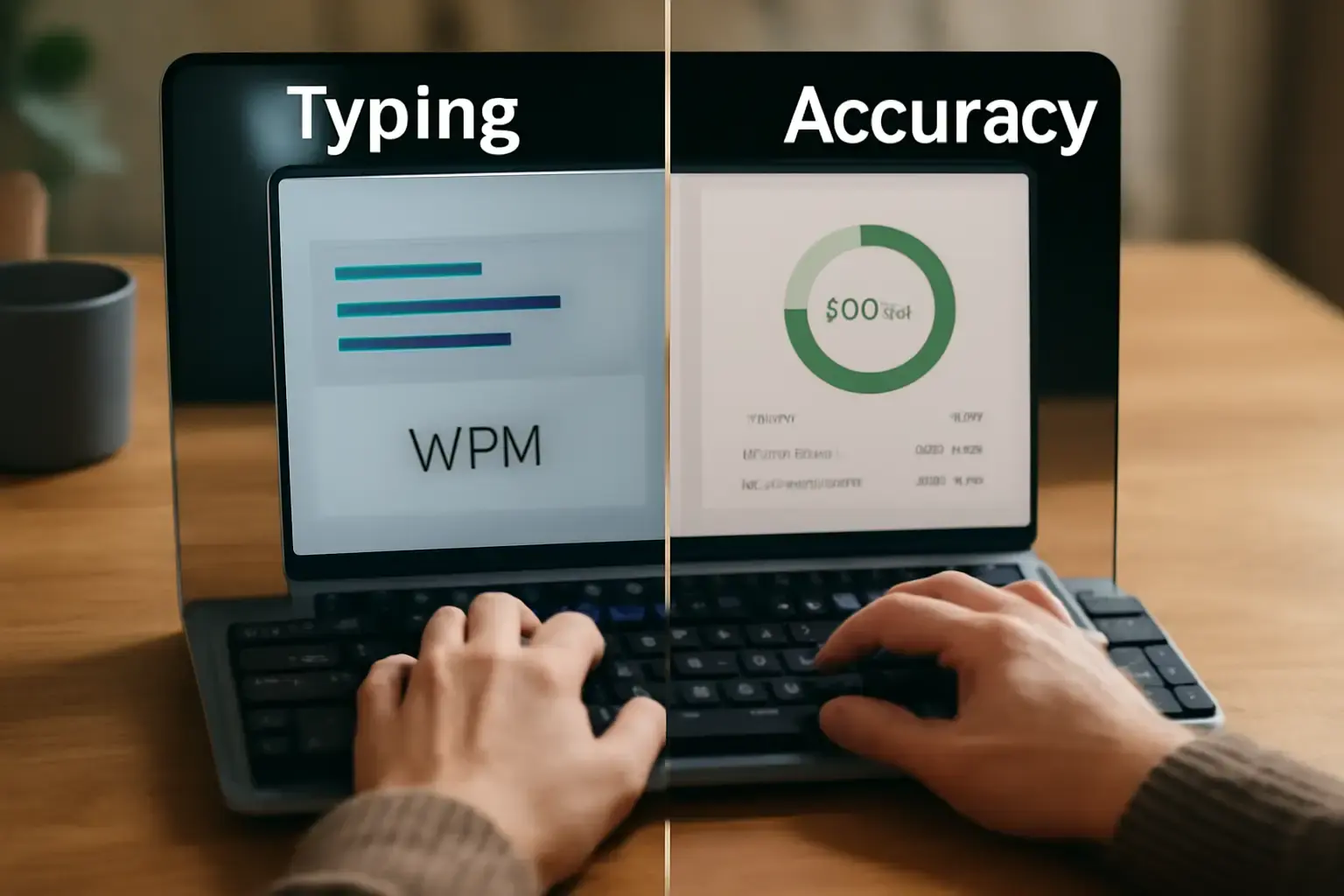
Why Typing Accuracy Often Trumps Speed in Everyday Typing
Many typists obsess over increasing their typing speed (WPM), but accuracy—the percentage of correct keystrokes—is really the foundation for effective typing. An inflated WPM with rampant typos slows you down because correcting errors takes time that often outweighs gains from raw speed. In real-world typing workflows, especially for writers, developers, and professionals, accuracy prevents costly follow-up fixes and preserves mental flow.
Consider how frequent errors disrupt your thinking and require backtracking. This breaks concentration and inflates the total time to complete a typing task. In contrast, a slightly slower but more accurate typer produces cleaner drafts and code, minimizing rework. Speed without accuracy is a classic pitfall that wastes more time than it saves.
When Typing Speed Becomes Critical—and How to Maintain Accuracy
Speed gains matter most in scenarios where raw output volume is paramount: transcription, live chat support, coding sprints, and competitive typing. However, even in these cases, speed optimized at the expense of accuracy often backfires. You might save milliseconds per word but then spend much longer proofreading and fixing.
The key is to train for incremental speed improvements while keeping error rates within a tight threshold (typically 2-5%). This balance is especially critical for developers who must avoid syntax errors, and for writers submitting final drafts who can’t afford frequent mistakes. Tools like advanced typing trainers and online platforms emphasize this "balanced speed" approach.
Related reading: Smartwatch vs fitness band: which is better for most people
Common Mistakes and Misconceptions About Speed vs Accuracy
- Chasing raw WPM without accuracy practice: Typists push for faster speeds ignoring error frequency, which reduces overall productivity.
- Relying too heavily on autocorrect and spellcheck: These crutches can mask underlying accuracy issues and create dependency, hurting raw typing skill.
- Ignoring ergonomic setup: Poor keyboard choice and desk posture can increase errors even if the typist tries to speed up.
- Overemphasizing speed tests: Online WPM tests often fail to replicate real typing conditions and encourage risky speed boosts rather than sustainable skill.
How to Decide What Matters More for Your Typing Needs
Start by assessing your primary typing use cases and what matters most in your workflow. Ask:
- Is flawless text essential on the first pass? For legal documents, coding, or publication-ready writing, prioritize accuracy above all.
- Do you need to capture spoken word or live input? Speed matters, but maintain accuracy thresholds to avoid tedious corrections.
- Are you typing casual messages or notes? A balanced approach can be acceptable, but poor accuracy slows even informal communication.
- What keyboard hardware and typing techniques do you currently use? Improving setup ergonomics can boost both accuracy and speed comfortably.
Adjust your training accordingly: focus on accuracy drills if errors dominate, and introduce speed challenges once you consistently stay error-free.
Practical Tips to Improve Both Accuracy and Speed Without Sacrifices
- Use typing trainers emphasizing accuracy: Platforms like TypingKeyboard.net recommended trainers focus on accuracy before speed, building strong muscle memory.
- Adopt ergonomic keyboards: Mechanical keyboards with tactile feedback reduce mistypes compared to membrane or flat laptop keys.
- Disable autocorrect when practicing: Rely on your skills to detect errors rather than software fixes.
- Practice mindful typing sessions: Start slow to build precision, then gradually increase speed while maintaining low error rates.
- Focus on frequently mistyped words and letter pairs: Custom drills help fix common problem areas that drag accuracy down.
- Maintain a proper typing posture and hand placement: This prevents fatigue-related errors during longer sessions.
Balancing accuracy and speed is a dynamic process. Pay attention to how your error rates affect your overall workflow and adjust your practice focus accordingly.
For more on optimizing typing setups and workflows, see MacBook vs Windows laptop for developers and iPhone vs Android for productivity and daily life.
Final Recommendation: Prioritize Accuracy to Unlock Sustainable Typing Speed Gains
In the debate between typing speed and accuracy, accuracy holds the edge for most users invested in real-world productivity. Speed is valuable only when built on a foundation of high precision. Jumping too quickly to speed without solid accuracy results in wasted time, frustration, and lower-quality output.
See also: USB-C hub vs dock: which one should you buy
Start by mastering error-free typing at a comfortable pace, then steadily increase speed while maintaining tight accuracy. Invest in quality keyboards and mindful practice routines that reinforce proper technique. By focusing on accuracy first, your effective typing speed will naturally and reliably improve in ways that matter every day.
One useful way to judge Typing accuracy vs typing speed: what matters more is to compare how it behaves during repeated daily use rather than during a single quick test.
Long-term value usually becomes clearer when you look at comfort, setup friction, reliability, and how naturally the choice fits existing habits.
Small annoyances matter more than people expect, especially when the same task repeats many times across a normal week.
A practical recommendation should reflect real usage patterns instead of relying only on headline features or marketing language.
You may also like: How to Choose Between Current-Gen Android Tablets and iPads for Creatives Needing Fast App Performance and Stylus Support
The better option is often the one that stays simple, predictable, and easy to live with after the first impression fades.
It also helps to compare how much time the choice saves in normal routines, not just how impressive it looks in isolation.
Readers usually make better decisions when they compare trade-offs in context instead of chasing the longest feature list.
That is why repeat tasks, convenience, and maintenance effort should carry more weight than novelty alone.
Another practical test is to ask whether the option still feels efficient when used under pressure, during travel, or in a busy workday.