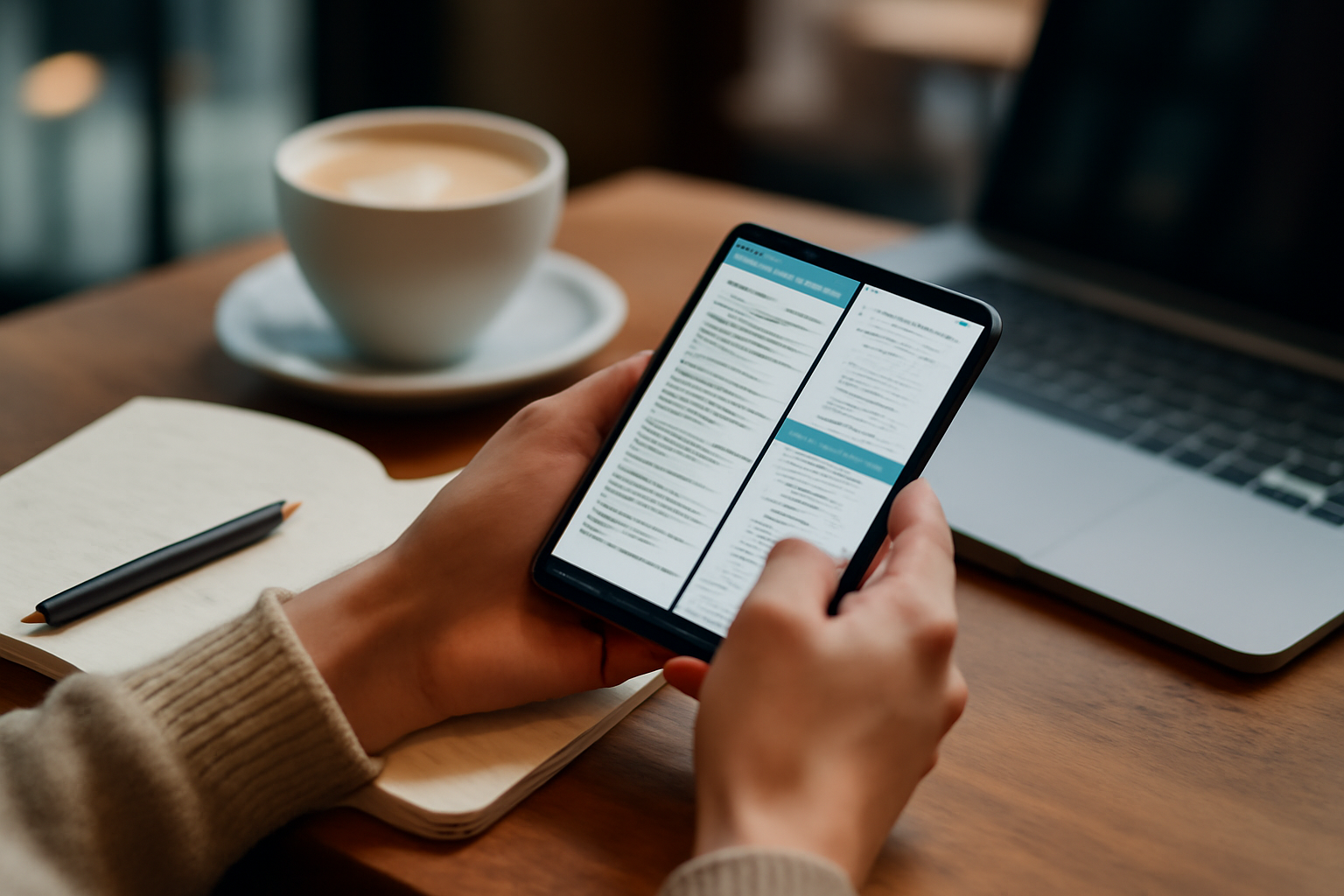
Why Budget Phones Still Fail Real-World Productivity (Even in 2026)
At first glance, today’s sub-$500 smartphones look more capable than ever. Many now ship with high-refresh-rate displays, multi-camera systems, and processors that were flagship-level just a few years ago. On paper, the gap between budget and premium devices has narrowed significantly.
But once you rely on a phone for actual work—switching between Slack, email, documents, video calls, and browser tabs—the weaknesses become obvious again. Productivity is not about peak performance; it’s about consistency under load. And that’s where most budget phones still struggle.
Even in 2026, many mid-range devices suffer from aggressive app reloading, inconsistent thermal performance, and software inefficiencies that interrupt workflows. The problem isn’t raw power—it’s how that power is sustained and managed.
The good news: newer models have improved significantly. Devices like the latest Pixel A-series, Nothing Phone lineup, and newer Xiaomi Poco models are finally closing the gap in meaningful ways. The bad news: choosing the wrong one will still slow you down every single day.
This updated guide focuses on the newest generation of budget and mid-range phones—and more importantly, how they perform in real-world productivity scenarios.
What Actually Matters in a 2026 Budget Productivity Phone
Specs have improved across the board, but not all improvements translate into better productivity. These are the factors that now matter most—and where modern budget phones differ from older ones:
- RAM Has Become the Bottleneck: While 6GB used to be acceptable, 8GB is now the practical baseline. Some newer devices even offer 12GB, which significantly reduces app reloads and improves multitasking stability.
- Modern Mid-Range Chips Are Powerful—But Not Equal: Newer processors like Snapdragon 7 Gen 4 or Tensor G4 can handle daily workloads well, but sustained performance still varies. Some phones throttle quickly under multitasking.
- AI Features vs Real Productivity: Many 2026 phones advertise AI tools, but these don’t always improve workflow. In fact, devices with limited RAM may struggle to run on-device AI features smoothly. :contentReference[oaicite:0]{index=0}
- Display Quality Is Now a Productivity Feature: Brighter AMOLED panels with high refresh rates are standard, but what matters is readability and comfort during long sessions—not just refresh rate.
- Software Longevity Is Finally Improving: Some mid-range phones now offer extended update support, which directly impacts long-term performance and usability. :contentReference[oaicite:1]{index=1}
The key shift in 2026: hardware is no longer the main limitation—software optimization and memory management are.
Best Budget Phones Under $500 for Multitasking in 2026
The latest generation of budget phones is more competitive than ever, but only a few models truly deliver reliable productivity performance.
- Google Pixel 10a: The safest all-around choice. It focuses on stability rather than raw power. The Tensor G4 chip and clean Android 16 experience deliver consistent multitasking, even if it’s not the fastest device. Its long software support makes it a strong long-term investment, though 8GB RAM can feel limiting for heavy workloads. :contentReference[oaicite:2]{index=2}
- Nothing Phone (4a) / 4a Pro: One of the most balanced options in this price range. It combines smooth performance, a clean interface, and higher RAM configurations (up to 12GB). The large, bright display and efficient software make it particularly good for multitasking and extended use, even if the camera system isn’t a priority. :contentReference[oaicite:3]{index=3}
- Xiaomi Poco F7 / F8 Pro: These devices push performance further than most competitors. With flagship-level chips and high RAM configurations, they handle multitasking exceptionally well. The trade-off is software—MIUI/HyperOS can feel heavier and less predictable under load. :contentReference[oaicite:4]{index=4}
- Samsung Galaxy A56 / A57: Samsung continues to offer a polished experience with strong displays and reliable battery life. The newer A57 improves RAM and software features, but performance is more “steady” than fast. It’s a good choice for structured workflows but less ideal for heavy multitasking. :contentReference[oaicite:5]{index=5}
- Motorola Edge 60 / Moto G 2026 Series: Motorola focuses on clean software and battery reliability. These phones feel smooth for lighter workloads, but performance ceilings are lower compared to competitors—making them better for simple productivity rather than demanding multitasking. :contentReference[oaicite:6]{index=6}
The biggest improvement compared to older models: you now have real choices depending on your workflow—not just compromises.
How These New Models Perform in Real Work Scenarios
Looking at specs isn’t enough. Here’s how these phones behave in actual productivity situations:
- Email + Docs + Messaging: Most modern budget phones handle this well—but only if they have enough RAM. Devices with 8GB+ maintain smoother transitions.
- Video Calls + Multitasking: This is still a stress test. Phones like the Pixel 10a and Nothing Phone (4a) perform reliably, while weaker devices may drop frames or reload apps.
- Browser + Multiple Tabs: Storage speed and RAM matter more than CPU. Some devices feel fast initially but struggle after extended sessions.
- Light Development / Admin Tasks: Usable on higher-end mid-range devices (Poco F7, Nothing Phone 4a Pro), but still limited compared to flagship phones.
What’s changed in 2026 is not that budget phones became “fast”—it’s that the better ones stay fast longer.
Who Should Still Avoid Budget Phones
Even with improvements, budget phones are not universal productivity tools. Some workflows still expose their limits quickly.
Avoid budget devices if you:
- Run multiple heavy apps simultaneously throughout the day
- Work with large datasets, spreadsheets, or cloud dashboards
- Depend on real-time performance (trading apps, remote desktops)
- Use your phone as a primary work device rather than a companion
In these cases, even the best mid-range phone will feel like a compromise. The performance gap hasn’t disappeared—it’s just less obvious at first.
Common Buying Mistakes (Still Relevant in 2026)
Despite better hardware, most people still make the same mistakes when buying productivity phones:
- Assuming newer means faster: Many 2026 models prioritize efficiency over raw speed. That’s good—but not always for demanding workflows.
- Ignoring RAM upgrades: Choosing 8GB vs 12GB RAM can make a bigger difference than choosing between processors.
- Overvaluing AI features: Many AI tools sound impressive but don’t improve daily productivity—and can even slow devices down.
- Choosing based on display alone: A great screen doesn’t fix lag or app reload issues.
- Buying for short-term value: A phone with longer software support will remain usable much longer. :contentReference[oaicite:7]{index=7}
The biggest mistake is still the same: buying based on specs instead of workflow fit.
How to Turn a Budget Phone Into a Real Productivity Tool
Even the best hardware won’t fix inefficient usage. If you want a budget phone to perform well, you need to optimize how you use it:
- Prioritize apps that are lightweight and well-optimized
- Limit background processes and auto-start apps
- Use cloud-based tools instead of local processing when possible
- Pair your phone with a Bluetooth keyboard for serious typing
- Avoid overloading multitasking features beyond what your device can handle
These changes can make a mid-range phone feel significantly more capable—often more than upgrading hardware alone.
Final Recommendation: Choose Based on Workflow, Not Marketing
The 2026 budget phone market is finally mature. You can now get a device under $500 that genuinely supports productivity—but only if you choose carefully.
If you want reliability and long-term support, go with the Pixel 10a. If you want better multitasking and higher RAM, the Nothing Phone (4a) Pro is a smarter pick. If raw performance matters most, Poco devices offer the best value.
But the rule hasn’t changed: your phone should match how you work—not just what looks good on paper.
The difference between a productive device and a frustrating one isn’t price—it’s how well it handles your real, daily tasks. Choose for consistency, and you’ll notice the difference every single day.
For a deeper look at even more affordable options, explore our guide on Top Phones Under $400 in 2026 for Real-World Productivity and Daily Work. You can also check Best Phones Launched in Early 2026 for Mobile Productivity Users: Buying and Setup Guide for the latest releases.
Related: Best Mechanical Keyboards Under $150 for Developers in 2026 ⌨️
Related: Samsung Galaxy S25 Ultra vs Apple iPhone 15 Pro Max: Which Phone Is Better for Productivity? 📱💡
Related: Mastering Focus and Time Tracking: The Best Phone and Tablet Apps for 2026