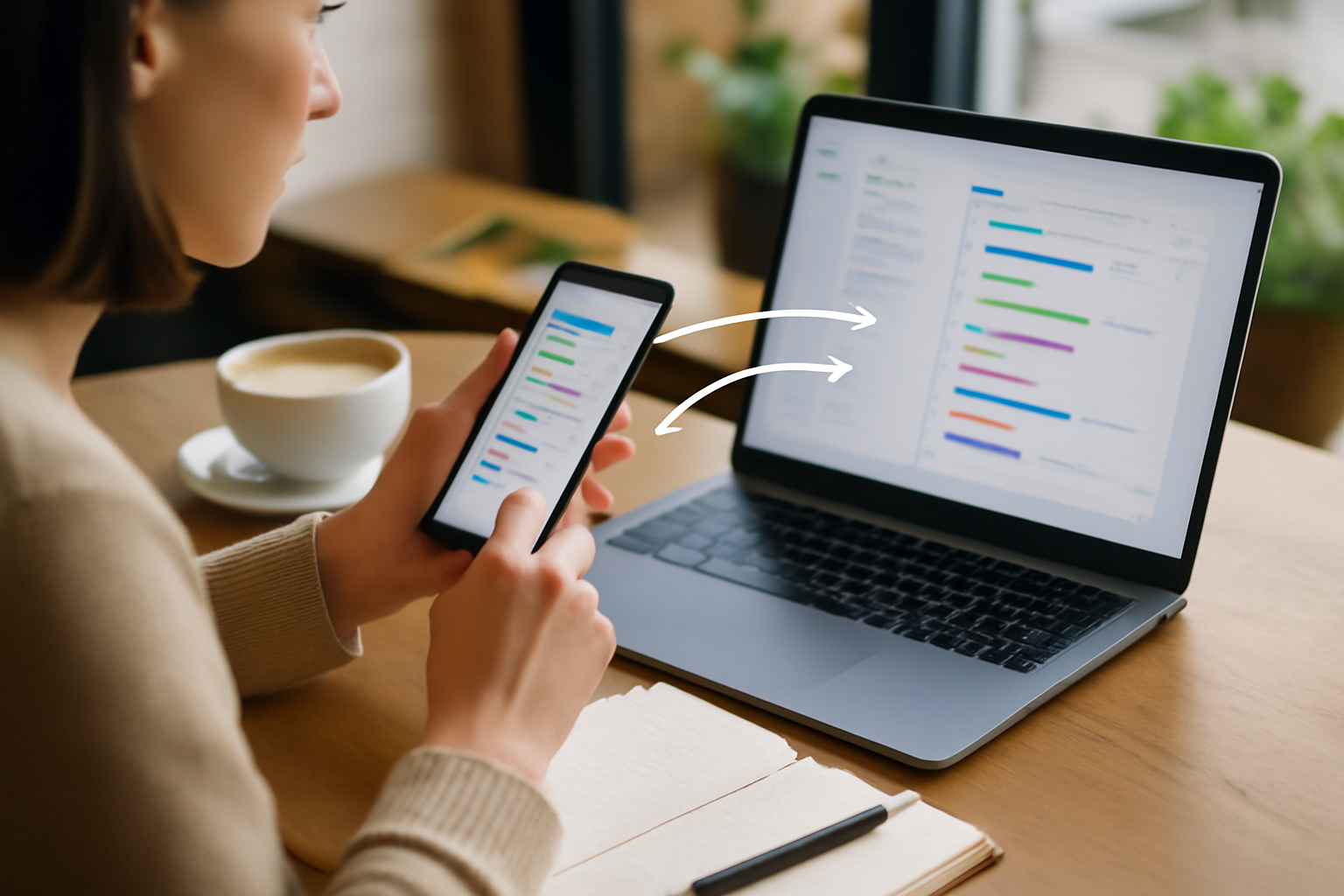
The Ecosystem Factor: Beyond Specs and Screens
Choosing a phone or laptop based purely on specifications is an easy trap to fall into. Processor speeds, RAM, display refresh rates — they all look impressive on paper and dominate marketing materials. But once the device is in your hands, those specs quickly fade into the background. What actually shapes your daily experience is how well your devices work together.
The concept of an ecosystem isn’t just branding. It’s the invisible layer of integration that determines whether your workflow feels fluid or fragmented. Can you start writing an email on your phone and finish it instantly on your laptop? Can you transfer files without thinking about cables or cloud uploads? Do notifications help you stay informed — or constantly distract you?
For anyone working remotely, coding, writing, or managing multiple communication channels, these questions matter far more than raw benchmark numbers. A well-integrated ecosystem reduces friction in dozens of small ways throughout the day. And those small efficiencies compound into meaningful productivity gains.
Who Actually Needs a Strong Ecosystem (and Who Doesn’t)
Not every user needs deep ecosystem integration. If your phone is mostly for messaging and your laptop is used occasionally for browsing, you can afford to treat them as separate tools. But for professionals and heavy users, that separation quickly becomes a bottleneck.
You’ll benefit most from a cohesive ecosystem if your workflow includes:
- Frequent device switching: Moving between phone and laptop multiple times per hour.
- Communication-heavy tasks: Emails, messaging apps, video calls, and notifications that require quick responses.
- Content creation: Writing, coding, editing, or managing files across devices.
- Mobility: Working while traveling, commuting, or switching locations throughout the day.
For example, a developer debugging code on a laptop while referencing documentation on a phone benefits from shared clipboard and instant file access. A writer drafting ideas on a phone during a commute and refining them later on a laptop saves time with seamless syncing. These are not edge cases — they’re daily realities.
On the other hand, if your workflow is centralized on a single device and rarely interrupted, ecosystem benefits will feel less critical. In that case, spending extra for tighter integration may not deliver meaningful returns.
Why Apple’s Ecosystem Feels Effortless (and Where It Falls Short)
Apple’s ecosystem is often the benchmark because it prioritizes one thing above all: consistency. Features like AirDrop, Handoff, Universal Clipboard, and Continuity aren’t just add-ons — they’re deeply embedded into the system.
In practice, this means:
- You can copy text or images on your iPhone and paste them instantly on a MacBook.
- You can take a photo on your phone and insert it directly into a document on your laptop.
- You can answer calls or reply to messages without ever touching your phone.
- You can start tasks on one device and continue them on another without manual syncing.
This level of integration eliminates micro-frictions that would otherwise interrupt your focus. Over the course of a workday, those interruptions add up — especially in tasks requiring deep concentration.
However, this convenience comes with trade-offs that shouldn’t be ignored. Apple’s ecosystem is intentionally closed. Once you commit, you’re effectively locked into their hardware and services. Mixing in non-Apple devices significantly reduces the benefits.
There’s also the cost factor. Apple devices tend to sit in the premium category, and building a full ecosystem (phone, laptop, accessories) requires a larger upfront investment. For some users, that investment is justified by time savings. For others, it’s unnecessary overhead.
Another limitation is flexibility. If your workflow depends on specialized software, niche tools, or cross-platform environments, Apple’s ecosystem may feel restrictive compared to more open alternatives.
Android and Windows: Flexible, Capable, but Less Cohesive
Android and Windows have made significant progress in ecosystem integration, particularly with tools like Microsoft’s Phone Link and improvements in Windows 11. Notifications, messages, and even calls can now sync between devices more effectively than in the past.
But the experience still varies depending on your hardware combination. Unlike Apple’s tightly controlled environment, Android and Windows rely on multiple manufacturers, each with their own software layers and priorities.
This leads to a few practical realities:
- Some features work well on certain devices but not others.
- Setup often requires manual configuration or third-party apps.
- Updates and compatibility can be inconsistent.
That said, this ecosystem offers a major advantage: choice. You can pair a high-end Windows laptop with a mid-range Android phone, or mix brands based on your budget and preferences. This flexibility is valuable, especially if you want to optimize for specific features like keyboard quality, battery life, or display size.
For power users willing to invest time in setup, Android and Windows can deliver a solid workflow. But it rarely reaches the same “it just works” level of cohesion found in Apple’s ecosystem.
Key Trade-offs That Actually Impact Your Workflow
Before committing to any ecosystem, it’s important to understand the trade-offs that affect real-world productivity — not just theoretical advantages.
| Factor | Apple Ecosystem | Android + Windows |
|---|---|---|
| Integration | Seamless and consistent | Improving but inconsistent |
| Flexibility | Limited hardware choices | Wide range of devices and customization |
| Setup effort | Minimal | Moderate to high |
| Cost | Generally higher upfront | More budget-friendly options |
| Cross-platform use | Limited | More adaptable |
The key is to decide which of these factors matters most to your workflow. If you value time and simplicity, tighter integration wins. If you prioritize customization and cost control, flexibility becomes more important.
Common Mistakes That Quietly Kill Productivity
Many users unintentionally sabotage their own productivity by making ecosystem decisions based on short-term thinking. These mistakes often don’t show up immediately — but become frustrating over time.
- Mixing incompatible devices: Pairing a premium laptop with a poorly supported phone leads to constant friction.
- Over-relying on third-party apps: These can help, but rarely match the reliability of native integration.
- Ignoring daily workflow: Buying based on specs instead of how you actually work day-to-day.
- Underestimating context switching: Constantly moving files manually or re-entering information breaks focus.
- Chasing savings in the wrong place: Saving money upfront but losing time every day is rarely worth it.
A practical example: choosing a cheaper phone that doesn’t sync notifications properly might seem like a smart decision — until you realize you’re constantly checking two devices during meetings. That mental overhead adds up quickly.
How to Choose the Right Ecosystem for Your Work Style
Instead of asking “Which device is better?”, ask “Which setup supports how I actually work?” That shift in thinking leads to better decisions.
Here’s a more grounded approach:
- Map your daily workflow: Identify where you switch devices and where delays happen.
- Prioritize integration points: Focus on features like file sharing, notifications, and clipboard syncing.
- Match your primary device: If your laptop is your main tool, choose a phone that complements it — not just one with good standalone features.
- Test real scenarios: Try common tasks like transferring files or responding to messages across devices.
- Consider long-term use: Ecosystem decisions are harder to reverse than individual device purchases.
If you’re already invested in one ecosystem, it usually makes sense to stay within it unless you have a strong reason to switch. The transition cost — in time, setup, and learning — can outweigh the benefits of moving.
For deeper guidance on selecting the right devices for your workflow, explore How to Choose a Laptop for Coding, Writing, and Remote Work 💻⌨️ and Best Android phones for office work and multitasking. If your setup includes external accessories, What to Look for in a Productivity Laptop Dock: Your Ultimate Guide 💻⚙️ is also worth reviewing.
Related: Phone Launches That Matter for Mobile Productivity Users in 2026 📱💡
Related: iPad vs Android Tablet for Work and Study: Which Is Better in 2026?
Final Recommendation: Choose a System, Not Just Devices
The smartest buyers don’t think in terms of individual gadgets — they think in systems. A phone and a laptop should function as parts of a unified workspace, not separate tools competing for your attention.
If your priority is maximum productivity with minimal friction, a tightly integrated ecosystem like Apple’s is the safest choice. It reduces decision fatigue, eliminates setup headaches, and keeps your focus where it belongs.
If you value flexibility, customization, and a wider range of price options, Android and Windows can still deliver — but only if you’re willing to invest time in optimizing your setup.
Ultimately, the right choice depends on how you work. But one thing is clear: ignoring the ecosystem factor is one of the most expensive productivity mistakes you can make.