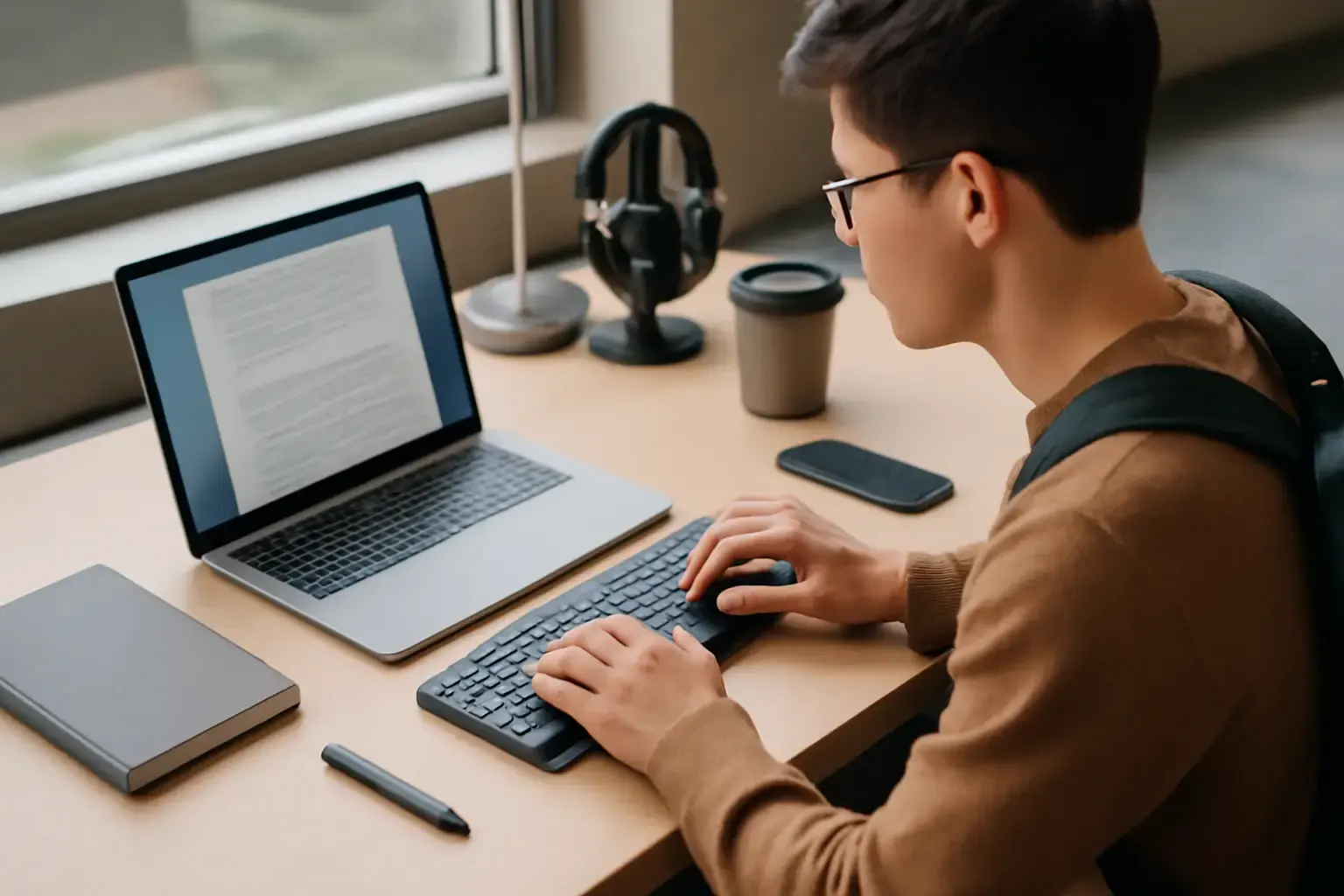
Students in 2026 face a unique set of challenges when choosing a Bluetooth keyboard. It’s not just about portability or battery life anymore—it's about having a device that can handle rapid multilingual typing, survive the rigors of campus life, and setup instantly with phones, tablets, and laptops. If you’ve been overwhelmed by the endless options promising everything from "ultra-light" to "military-grade durability," this guide will help you make a smart call based on real typing needs rather than buzzwords.
Why Lightweight and Durable Matter More Than Ever for Students
Students typically carry multiple devices daily: a laptop or tablet, plus phones and textbooks. Adding a Bluetooth keyboard is common for efficient note-taking and essay-writing, but bulk and fragility are real pain points. Many keyboards claim to be lightweight but compromise on build quality, while others are rugged but heavy and clunky to carry around all day.
Durability should not mean sacrificing portability. In real campus scenarios, students face accidental bumps, liquid spills, and the constant opening-and-closing of backpacks. A keyboard that breaks easily or feels awkward to stow defeats the point of having a portable setup.
Furthermore, lightweight keyboards reduce wrist strain during long typing sessions in libraries or classrooms. Combine that with a reliable Bluetooth connection and comfortable key action, and students get a tool that genuinely supports their academic workload.
Related reading: Best Wireless Mechanical Keyboards for Remote Developers in 2026: Low Latency Meets Typing Comfort
Multilingual Typing: What Makes a Keyboard Truly Friendly for Language Learners
For students taking exams in multiple languages or writing papers that require accented characters, special symbols, and quick language switching, not all Bluetooth keyboards are created equal. Here’s what to look for:
- Comprehensive Key Layouts: The keyboard must support common multilingual layouts like ISO or JIS, including keys for accented vowels, ñ, ç, umlauts, and other diacritics without complicated workarounds.
- Language Switching Hotkeys: Dedicated shortcuts for changing input languages minimize interruption and reduce typing errors caused by incorrect layouts.
- OS Compatibility: Seamless support for Windows, macOS, Android, and iOS ensures you can switch between your laptop and multiple mobile devices without re-pairing or layout issues.
- Customizable Layout Support: Some keyboards allow remapping or software layers to fine-tune key behavior, especially useful for less common languages or scripts.
Many budget Bluetooth keyboards fall short here, forcing students to rely on cumbersome on-screen keyboards or external apps that slow down their workflow and hurt exam performance.
Top Lightweight, Durable Bluetooth Keyboards for Multilingual Student Use in 2026
Based on build quality, portability, multilingual features, and reliable Bluetooth, these options stand out today:
Logitech MX Keys Mini
- Weight & Portability: Compact and sleek with a metal build but surprisingly light for its class.
- Durability: High-quality materials resist wear and spills; keys have excellent tactile feedback.
- Multilingual Support: Available in multiple localized layouts; supports multiple OS language switching natively.
- Battery & Connectivity: Long-lasting battery with fast USB-C charging; Bluetooth 5.0 with multi-device pairing.
This keyboard suits students who want premium typing comfort and durable design without lugging a heavy mechanical keyboard.
Keychron K3 Pro (Low Profile)
- Weight & Portability: Ultra-slim and lightweight aluminum frame ideal for backpacks.
- Durability: Mechanical switches with robust build quality; splash-resistant design.
- Multilingual Support: Hot-swappable keys allow swapping keycaps for different language layouts; seamless OS language switch keys.
- Battery & Connectivity: Bluetooth 5.1, multi-device pairing, reliable connection in crowded environments.
Great for students who prefer mechanical feedback but don’t want bulky keyboards, plus those who want easy layout customization later.
Microsoft Surface Keyboard
- Weight & Portability: Slim and light with sturdy plastic and metal mix, designed with portability in mind.
- Durability: Well-built for daily use; keys have a firm, quiet stroke.
- Multilingual Support: Full Windows and macOS multilingual layout support with dedicated keys.
- Battery & Connectivity: Bluetooth 4.2, excellent battery life lasting weeks on a single charge.
Ideal for students who mainly use Windows devices but want a hassle-free, classic typing experience on the go.
Common Pitfalls When Buying a Bluetooth Keyboard for Multilingual Students
- Ignoring Layout and Language Support: Many students buy keyboards without verifying language layouts, causing frustrating typing errors and slowing down exams.
- Overvaluing Battery Life Over Typing Comfort: A keyboard that lasts long but feels uncomfortable or has mushy keys leads to wrist strain and reduced typing speed.
- Neglecting Compatibility With Devices: Bluetooth versions and OS compatibility vary; some keyboards drop connections or fail to register certain keys on different devices.
- Choosing Heavy Mechanical Keyboards for Portability: Even mechanical keyboards marketed as portable can be too bulky or heavy for daily carry.
- Not Testing Key Travel and Feedback Before Buying: Key feel has a huge impact on typing endurance and accuracy, especially during long exam writing sessions.
Practical Tips for Students Using Bluetooth Keyboards in 2026
- Pair Once, Use Many: Prefer keyboards with multi-device pairing and easy switching to avoid constant re-pairing on different devices.
- Carry a Compact Carry Case: Protect your keyboard and keep it clean; durability helps, but prevention matters.
- Use Multilingual Typing Apps: Combine your keyboard with reliable typing apps that handle language switching fluidly. Check out our article on best typing apps for multilingual exams for recommendations.
- Test Your Setup Before Exams: Simulate exam tasks at home to fine-tune your language switching shortcut keys and keyboard position to avoid glitches under pressure.
- Consider Keyboard Ergonomics: Even lightweight devices can cause discomfort; explore low-profile or split keyboards if you experience fatigue. See also our guide on ergonomic keyboards under $150 for budget-friendly options.
Conclusion: Which Bluetooth Keyboard Should a Multilingual Student Choose?
For most students balancing portability, multilingual support, and durability, the Logitech MX Keys Mini offers the best all-around typing experience with excellent build quality and native multi-OS language support. If mechanical typing and ultra-slim design are priorities, the Keychron K3 Pro is a standout choice with customizable layouts and robust Bluetooth tech. Windows users who want simple, dependable typing without fuss will appreciate the Microsoft Surface Keyboard.
Whatever you decide, avoid the common mistake of prioritizing battery life or weight above typing comfort and multilingual compatibility. Your Bluetooth keyboard should feel like an extension of your knowledge and writing skills — lightweight and durable enough to carry every day, yet powerful and precise enough to keep up with fast, multilingual typing demands.
For a deep dive into choosing the right portable keyboard, see our companion guide How to Choose the Best Portable Keyboard for Students Who Need Quick Setup and Reliable Typing on the Go.