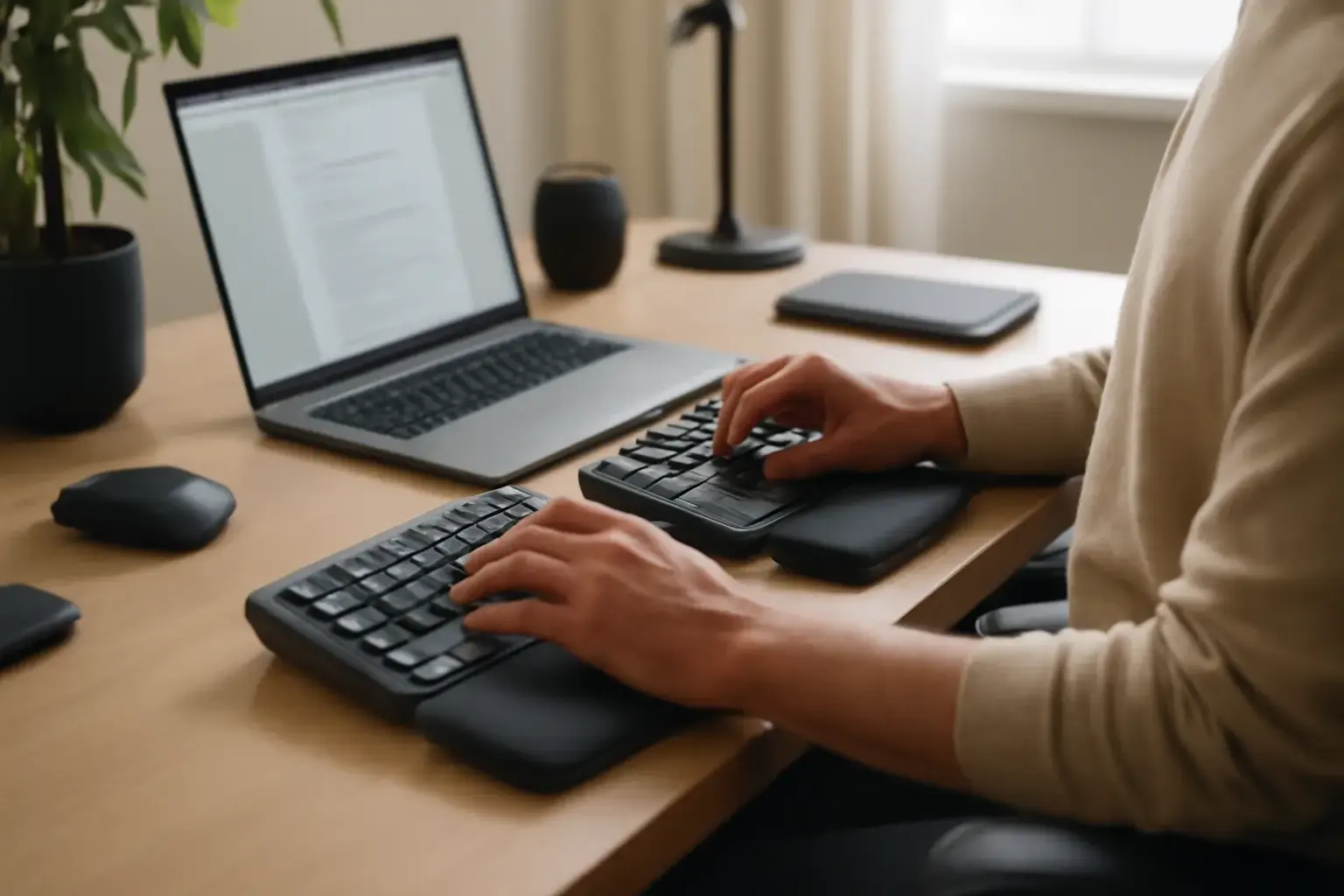
Why Ergonomic Keyboards Under $150 Matter for Remote Workers with Typing Fatigue
For remote workers, typing is no longer an occasional task—it’s often an all-day activity that puts continuous stress on the wrists, fingers, forearms, and shoulders. Over time, poor keyboard ergonomics can contribute to wrist pain, finger stiffness, numbness, tendon irritation, and repetitive strain injuries (RSI). Even mild discomfort can slowly reduce productivity, focus, and long-term typing endurance.
That’s why investing in a quality ergonomic keyboard is no longer a luxury for heavy computer users. The good news is that you no longer need to spend $300 or more to get meaningful ergonomic improvements. In 2026, several excellent ergonomic keyboards under $150 offer features that genuinely reduce typing strain while maintaining strong build quality and reliable daily performance.
This guide focuses specifically on remote workers prone to wrist and finger fatigue who want a realistic balance between comfort, performance, and affordability. Instead of chasing gimmicky “ergonomic” marketing claims, we focus on keyboards that improve natural hand positioning, reduce unnecessary finger movement, and support healthier typing posture during long work sessions.
We also cover common buying mistakes, explain which ergonomic features actually matter, and highlight situations where budget ergonomic keyboards may not be enough for users with more serious medical conditions.
Key Ergonomic Features That Actually Reduce Wrist and Finger Fatigue
Many keyboards advertise themselves as ergonomic, but not all designs genuinely help reduce typing fatigue. Understanding the features that make a measurable difference can help you avoid wasting money on keyboards that prioritize aesthetics over usability.
Split Keyboard Layout
A split keyboard separates the left and right hand sections to encourage a more natural arm and wrist position. Traditional keyboards force your hands inward, which increases ulnar deviation—a wrist angle linked to discomfort and repetitive strain over time.
Even modest split designs can significantly reduce tension during extended typing sessions. Fully adjustable split keyboards offer the most flexibility, but many fixed-split models under $150 still provide noticeable ergonomic benefits.
Tenting Support
Tenting raises the center of the keyboard so your palms sit at a more natural angle instead of flat against the desk. This reduces forearm pronation, which can decrease wrist pressure and muscle fatigue.
Premium ergonomic keyboards often include advanced tenting systems, but several affordable models now provide basic adjustable tenting that works surprisingly well for daily office use.
Negative Tilt Design
Most standard keyboards tilt upward toward the user, forcing the wrists into extension. Over time, this position can increase wrist strain and compress sensitive structures in the hand.
Negative tilt angles the keyboard slightly away from the user, helping maintain a more neutral wrist posture. Some ergonomic keyboards include built-in negative tilt feet, while others rely on external accessories.
Low-Force Key Switches
The force required to activate each key directly impacts finger fatigue. Heavy or inconsistent switches increase strain during long typing sessions, especially for writers, developers, analysts, and customer support workers.
High-quality scissor switches, low-force membrane keys, and lightweight mechanical switches typically feel more comfortable for prolonged typing compared to stiff or mushy budget keyboards.
Compact Key Placement
Good ergonomic keyboards reduce unnecessary hand movement by placing keys closer together in a thoughtful layout. Compact spacing minimizes finger travel and decreases repetitive stretching.
This becomes especially important for remote workers who spend eight or more hours typing every day.
Proper Wrist Support
A supportive wrist rest helps maintain neutral hand alignment and reduces pressure on the wrists during pauses between typing. Soft memory foam or cushioned palm rests are generally more comfortable for extended use than hard plastic surfaces.
However, wrist rests should support the palms rather than encourage users to bend or anchor their wrists while actively typing.
Related reading: The Best Budget Keyboards for Students and Developers in 2026 ⌨️💻
Best Ergonomic Keyboards Under $150 for Remote Workers in 2026
After evaluating comfort, typing feel, adjustability, long-term usability, and real-world feedback from heavy typists, these are the strongest ergonomic keyboard options available under $150 in 2026.
Kinesis Freestyle2 Blue
The Kinesis Freestyle2 Blue remains one of the best ergonomic keyboards for remote workers who experience wrist and finger fatigue. Its fully split design allows users to position each half independently, creating a far more natural typing posture compared to traditional keyboards.
The low-force key switches require minimal effort to actuate, making the keyboard especially suitable for writers, programmers, and office professionals who type continuously throughout the day.
Key advantages include:
- Fully adjustable split spacing up to 9 inches
- Lightweight key activation that reduces finger strain
- Wireless Bluetooth connectivity for flexible desk setups
- Optional tenting accessories for advanced ergonomics
- Compact design that minimizes shoulder tension
Although the tenting kit is usually sold separately, the Freestyle2 still delivers excellent ergonomic value under $150 when discounted.
Best for: Heavy typists, developers, writers, and users transitioning from standard keyboards to true ergonomic layouts.
Microsoft Sculpt Ergonomic Keyboard
The Microsoft Sculpt Ergonomic Keyboard continues to be one of the most beginner-friendly ergonomic keyboards available. Despite using membrane switches rather than mechanical keys, it remains extremely comfortable for long office sessions.
Its domed layout encourages a relaxed wrist angle, while the separate number pad allows better mouse positioning closer to the body—an often overlooked ergonomic improvement.
Main strengths include:
- Excellent wrist support with cushioned palm rest
- Comfortable split curved layout
- Negative tilt option included
- Quiet typing experience for shared workspaces
- Easy adjustment period for first-time ergonomic users
While advanced users may eventually want more adjustability, the Sculpt remains one of the safest recommendations for general remote office work.
Best for: Office workers, casual typists, and users seeking comfort without a steep learning curve.
Logitech Ergo K860
The Logitech Ergo K860 is often considered one of the best mainstream ergonomic keyboards available today. Although retail pricing sometimes exceeds $150, refurbished models and frequent sales regularly bring it within budget.
Its curved split layout feels polished and highly refined compared to many cheaper ergonomic keyboards. Logitech also designed the integrated wrist rest exceptionally well, offering long-session comfort without excessive softness.
Important features include:
- Adjustable tenting positions
- Excellent scissor-switch typing feel
- Premium integrated wrist support
- Reliable wireless connectivity
- Multi-device support for productivity workflows
The typing experience feels smooth, precise, and low effort, making it ideal for professionals who spend entire workdays at their desks.
Best for: Professionals seeking premium ergonomics without moving into ultra-expensive enthusiast keyboards.
Goldtouch V2 Adjustable Keyboard
The Goldtouch V2 focuses heavily on adjustability, allowing users to customize both split angle and tenting based on their body mechanics.
This flexibility makes it especially valuable for users already experiencing discomfort or early RSI symptoms. Proper ergonomic adjustment can significantly reduce muscle tension during extended typing sessions.
Notable benefits include:
- Highly customizable split positioning
- Adjustable tenting mechanism
- Compact layout for reduced hand movement
- Lightweight and portable design
- Reliable typing consistency
The membrane switches may not satisfy mechanical keyboard enthusiasts, but overall ergonomics remain excellent for the price.
Best for: Users prioritizing ergonomic adjustability and customized positioning.
Perixx Periboard-512H
The Perixx Periboard-512H is one of the strongest low-cost ergonomic keyboards available in 2026. While it lacks the refinement of higher-end models, it delivers surprisingly strong ergonomic fundamentals for budget-conscious buyers.
The split layout, built-in palm support, and responsive scissor switches provide a comfortable typing experience that outperforms many standard office keyboards.
Advantages include:
- Affordable pricing well below $150
- Integrated wrist support
- Comfortable split keyboard layout
- Quiet and responsive keys
- Simple plug-and-play setup
Although the materials feel less premium than Logitech or Kinesis options, it remains an excellent entry-level ergonomic keyboard for remote workers.
Best for: Budget-focused users seeking meaningful ergonomic improvements without overspending.
Who Should Avoid Budget Ergonomic Keyboards Under $150
Even excellent budget ergonomic keyboards have limitations. In some cases, users may require more advanced solutions or medical guidance.
Users with Severe RSI or Carpal Tunnel Syndrome
If you already experience chronic pain, numbness, tingling, or diagnosed repetitive strain injuries, entry-level ergonomic keyboards may not provide enough customization or support.
Professional ergonomic keyboards with advanced tenting systems, ortholinear layouts, or premium mechanical switches may be more appropriate investments alongside medical consultation.
Users Who Require Fully Mechanical Ergonomic Layouts
True mechanical ergonomic split keyboards with premium hot-swappable switches often cost significantly more than $150. While some budget mechanical options exist, most compromise on ergonomics, build quality, or adjustability.
If mechanical feel is your highest priority, increasing your budget may lead to better long-term satisfaction.
Users with Extremely Limited Desk Space
Split ergonomic keyboards often occupy more horizontal desk space than compact traditional keyboards. Small desks, portable workstations, or travel setups may not comfortably accommodate larger ergonomic layouts.
In those cases, compact ergonomic keyboards or low-profile wireless options may be more practical.
Common Mistakes When Buying Ergonomic Keyboards
Choosing Appearance Over Real Ergonomics
Some keyboards look ergonomic simply because they feature curved designs or futuristic shapes. However, visual styling alone rarely improves comfort.
True ergonomic performance comes from wrist positioning, split alignment, tenting support, and reduced finger strain—not cosmetic curves.
Ignoring Key Feel
Typing comfort depends heavily on switch quality. Poor key feel increases finger fatigue and can quickly ruin the ergonomic benefits of an otherwise good keyboard.
Always research typing tests, reviews, and long-term user feedback before purchasing.
Overlooking Wrist Support
Many buyers focus entirely on split layouts while ignoring wrist positioning. Without proper palm support or negative tilt, users may continue extending their wrists unnaturally.
Wrist support remains a critical part of long-session comfort.
Buying Fixed Layouts Without Testing Comfort
Not every ergonomic shape fits every user equally well. Fixed split distances or aggressive curves may feel uncomfortable depending on shoulder width, arm posture, and typing habits.
Adjustability often matters more than flashy design.
Ignoring Long-Term Durability
Cheap ergonomic keyboards sometimes use inconsistent switches, weak wireless connections, or poor plastic construction that deteriorates quickly under heavy daily use.
Remote workers should prioritize reliability and typing consistency over unnecessary RGB lighting or gimmicky features.
Practical Buying Checklist for Ergonomic Keyboards Under $150
- Does the keyboard maintain a natural wrist position?
- Does it support split typing alignment?
- Is tenting or negative tilt available?
- Are the keys comfortable for extended typing sessions?
- Does the wrist rest provide proper support?
- Is the layout comfortable for your desk setup?
- Are real users reporting reduced fatigue over time?
- Does the keyboard fit your workflow and connectivity needs?
- Is the build quality strong enough for daily remote work?
For more on budget keyboards suitable for developers and home office setups, see Best Mechanical Keyboards Under $150 for Developers in 2026 and Best Wireless Keyboards for Home Office Productivity in 2026.
See also: Best Keyboards for Writers, Editors, and Content Creators ⌨️💡
Also review typing exercises to build up hand strength safely at Best Typing Tests and Drills for Office Workers in 2026.
Final Recommendation: The Best Balance of Comfort, Ergonomics, and Value
For remote workers dealing with wrist and finger fatigue, upgrading to a properly designed ergonomic keyboard can dramatically improve daily comfort, typing endurance, and long-term productivity.
The best ergonomic keyboards under $150 in 2026 are no longer basic compromises. Models like the Kinesis Freestyle2 Blue, Microsoft Sculpt Ergonomic Keyboard, and Logitech Ergo K860 offer meaningful ergonomic improvements that help reduce typing strain during long workdays.
If maximum adjustability is your priority, the Goldtouch V2 is an excellent choice. If affordability matters most, the Perixx Periboard-512H delivers impressive value while still supporting healthier typing posture.
Most importantly, remember that even the best ergonomic keyboard works best when combined with proper desk setup, neutral posture, regular breaks, and healthy typing habits.
If wrist pain or finger fatigue continues despite ergonomic improvements, consider consulting an ergonomic specialist or healthcare professional to prevent long-term strain injuries.