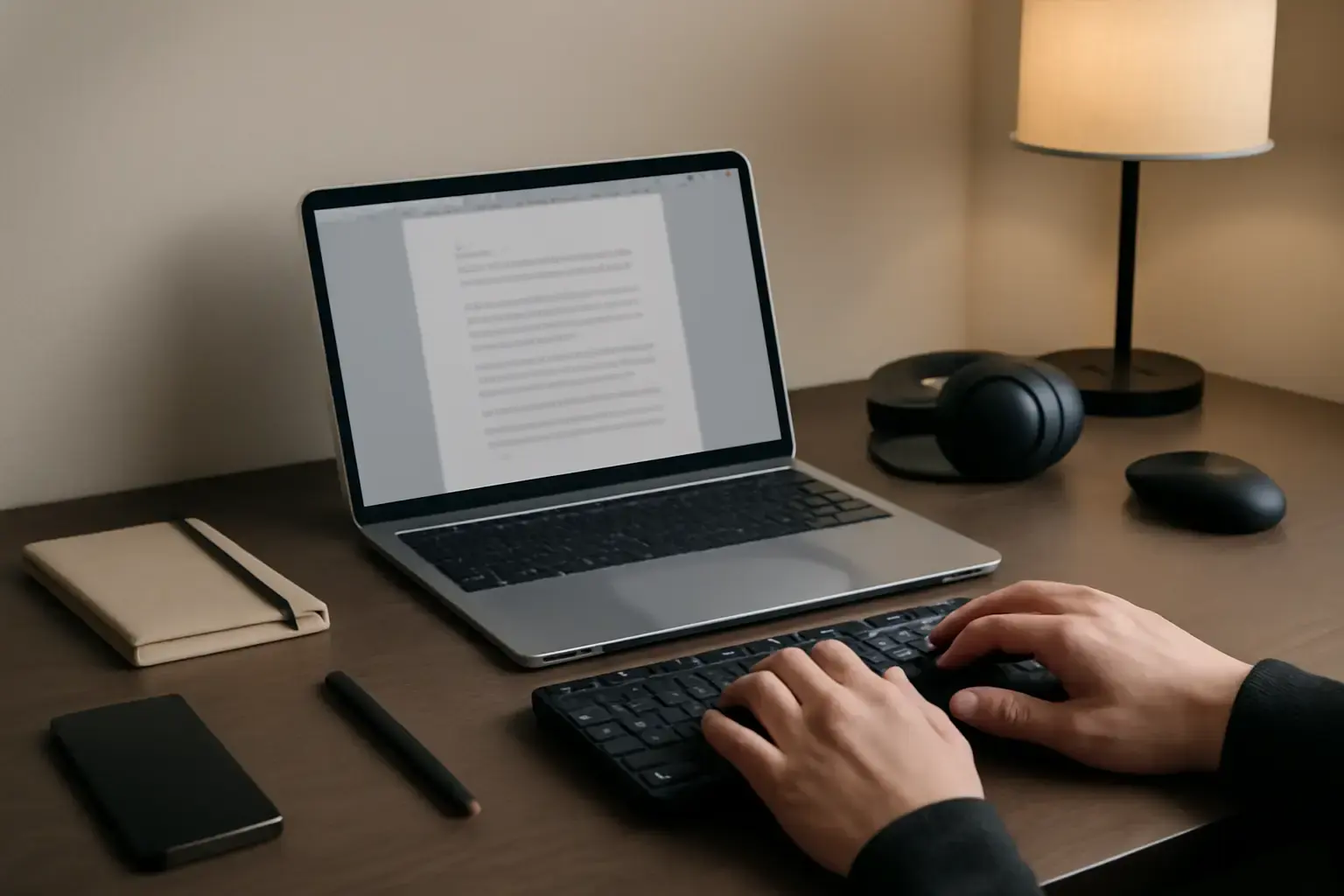
Why Portable Keyboards Are Essential for Students On the Move
Modern students rarely study in one place. A typical day may include lectures, library sessions, group projects, coffee shop studying, commuting, and remote learning. While tablets and lightweight laptops have become more powerful, many students still struggle with cramped built-in keyboards that slow down typing and reduce comfort during long writing sessions.
A high-quality portable keyboard solves this problem by turning almost any device into a more productive workstation. Whether you’re writing essays, coding assignments, preparing presentations, or taking fast lecture notes, the right keyboard can dramatically improve typing speed, reduce mistakes, and make long study sessions far more comfortable.
Portable keyboards are especially valuable for students who switch between multiple devices throughout the day. A reliable compact keyboard can instantly connect to a tablet, smartphone, or laptop without complicated setup steps, making it easier to stay productive anywhere.
However, choosing the wrong portable keyboard can create more frustration than convenience. Many ultra-cheap models sacrifice typing comfort, connection stability, battery reliability, or build quality simply to become thinner or lighter. Poor key spacing, laggy Bluetooth connections, and weak battery life can interrupt study sessions and reduce overall productivity.
That’s why students should focus on keyboards that combine portability with a dependable typing experience instead of choosing the smallest model available.
What Makes a Portable Keyboard Great for Students in 2026?
The best portable keyboard for students is not necessarily the most compact or expensive model. Instead, it should balance speed, comfort, durability, and portability while supporting modern study habits and multiple devices.
Here are the most important factors students should prioritize before buying.
Fast Setup and Reliable Connectivity
Students often need to start typing immediately during lectures or study sessions. A portable keyboard should connect quickly without repeated pairing problems or random disconnections.
Modern Bluetooth 5.2 and Bluetooth LE keyboards typically provide the best wireless experience in 2026. Many premium models now support instant switching between two or three devices using dedicated shortcut buttons.
For students who prefer maximum reliability, USB-C wired support remains an excellent option because it eliminates wireless latency and battery concerns entirely.
Look for features such as:
- Multi-device Bluetooth pairing
- Fast wake-from-sleep performance
- Stable wireless range in crowded environments
- USB-C connectivity and charging
- Compatibility with Windows, macOS, iPadOS, Android, and ChromeOS
Typing Comfort and Key Feel
Typing comfort directly affects productivity, especially for students who spend hours writing research papers, coding projects, or taking notes.
Good portable keyboards typically offer:
- Key travel between 1.3 mm and 2.0 mm
- Consistent tactile feedback
- Well-spaced keys with minimal wobble
- Comfortable palm positioning
- Low typing fatigue during extended sessions
Ultra-flat keyboards may look modern, but they often increase typing errors and strain during long sessions. On the other hand, overly stiff mechanical switches can become tiring and noisy in classrooms or libraries.
Most students benefit from low-profile mechanical switches or high-quality laptop-style chiclet keys that balance comfort with quiet operation.
Portability Without Compromising Usability
A truly portable student keyboard should easily fit into a backpack or tablet sleeve without becoming a burden.
In most cases, the sweet spot is:
- Width between 10 and 12 inches
- Weight under 350 grams
- Slim enough for daily transport
- Sturdy enough to survive constant travel
Extremely tiny keyboards may save space, but many reduce typing accuracy because of compressed layouts and undersized keys. Students who type frequently should prioritize usability over extreme compactness.
Battery Life and Charging Speed
Battery performance matters more than many students realize. A keyboard that dies during class, exam preparation, or a group project quickly becomes frustrating.
The best portable keyboards in 2026 now offer:
- Several days or weeks of battery life
- USB-C fast charging
- Smart sleep modes
- Low-power Bluetooth technology
- Battery indicators or companion apps
Students who study outside their homes frequently should prioritize long-lasting batteries over flashy RGB lighting or unnecessary features.
Durability for Daily Student Life
Student environments are unpredictable. Keyboards are constantly packed into bags, moved between classrooms, used in cafés, and occasionally exposed to spills or drops.
Durable keyboards often include:
- Aluminum or reinforced plastic frames
- PBT keycaps for longer lifespan
- Spill-resistant designs
- Scratch-resistant finishes
- Strong hinge construction for foldable models
Choosing a well-built keyboard may cost more initially, but it usually saves money over time by avoiding replacements.
Best Types of Portable Keyboards for Students
Portable keyboards generally fall into three major categories. Each serves different student needs depending on typing habits, device setup, and portability requirements.
1. Foldable and Ultra-Compact Portable Keyboards
Foldable keyboards are designed for maximum portability. Many can fit inside small bags or even jacket pockets, making them ideal for highly mobile students.
Advantages:
- Extremely lightweight and travel-friendly
- Easy to carry everywhere
- Works well with tablets and smartphones
- Useful for quick note-taking sessions
Related reading: Best Keyboards for Writers, Editors, and Content Creators ⌨️💡
Disadvantages:
- Reduced key spacing
- Shallower key travel
- Lower typing accuracy during long sessions
- Some models suffer from unreliable hinges or Bluetooth issues
Best for: Students who mainly type short notes, emails, or quick assignments and prioritize extreme portability over extended comfort.
2. Slim Bluetooth Keyboards with Chiclet Keys
Slim Bluetooth keyboards remain the most balanced option for most students in 2026. They combine portability with comfortable typing and reliable wireless performance.
Advantages:
- Comfortable full-size key spacing
- Quiet typing for classrooms and libraries
- Excellent compatibility across platforms
- Long battery life
- Fast multi-device switching
Disadvantages:
- Slightly larger than foldable models
- Typing feel varies significantly between brands
- Budget models may flex under pressure
Best for: Students who spend several hours daily writing, researching, or attending online classes.
3. Compact Mechanical Keyboards
Compact mechanical keyboards have become increasingly popular among university students, especially developers, writers, engineering students, and gamers.
See also: The Best Compact Keyboards for Small Desks and Apartments ⌨️💻
Advantages:
- Excellent tactile feedback
- Higher typing accuracy
- Superior durability
- Customizable switches and layouts
- Faster typing speeds for many users
Disadvantages:
- Heavier than slim keyboards
- More expensive
- Some switches can be noisy
- Less convenient for ultra-light travel
Best for: Students who type heavily every day, including coding students, writers, researchers, and content creators.
Common Mistakes Students Make When Buying Portable Keyboards
Many students choose keyboards based only on appearance or price, which often leads to frustration later. Avoiding these common mistakes can help you choose a keyboard that remains useful for years.
Choosing Size Over Comfort
Extremely thin or tiny keyboards may look attractive online, but they frequently sacrifice typing quality. Cramped layouts increase typing errors and can cause wrist discomfort during long study sessions.
Ignoring Connection Stability
Bluetooth instability is one of the biggest productivity killers for students. Frequent disconnects or pairing delays interrupt concentration and waste valuable time during classes or assignments.
Before buying, check reviews specifically mentioning:
- Bluetooth reliability
- Wake-up responsiveness
- Multi-device switching speed
- Compatibility with your operating system
Buying Non-Standard Layouts Too Quickly
Many ultra-compact keyboards remove important keys or rearrange layouts in ways that slow down touch typists. Missing arrow keys or compressed modifier keys can become frustrating over time.
If productivity matters, choose layouts that feel natural and familiar.
Overlooking Noise Levels
Mechanical keyboards can provide an excellent typing experience, but loud switches may become distracting in libraries or lecture halls.
Students should consider quieter switch options such as:
- Low-profile tactile switches
- Silent mechanical switches
- High-quality membrane keyboards
Underestimating Battery Importance
Battery anxiety becomes real during long campus days. A keyboard with poor battery optimization may require constant charging, which defeats the convenience of portability.
Reliable battery life should always rank above decorative lighting effects or unnecessary gimmicks.
Best Portable Keyboards for Students in 2026
After comparing portability, typing comfort, connectivity, durability, and overall value, these keyboards stand out as some of the strongest options for students in 2026.
Logitech MX Keys Mini
The Logitech MX Keys Mini remains one of the best all-around portable keyboards for students. It offers exceptional typing comfort, quiet keys, reliable multi-device Bluetooth connectivity, and premium build quality.
Why students love it:
- Comfortable laptop-style typing feel
- Excellent battery life
- USB-C fast charging
- Easy switching between devices
- Compact without feeling cramped
Ideal for: General university use, essay writing, productivity, and note-taking.
Keychron K3 Pro
The Keychron K3 Pro is one of the best low-profile mechanical keyboards for students who want a premium typing experience without carrying a bulky setup.
Why it stands out:
- Slim mechanical design
- Hot-swappable switch options
- Wireless and wired USB-C modes
- Excellent compatibility across operating systems
- Strong build quality for daily travel
Ideal for: Programming students, writers, and heavy typists.
Logitech Pebble Keys 2 K380s
The Logitech Pebble Keys 2 K380s has become increasingly popular among students thanks to its lightweight design, quiet keys, and dependable Bluetooth performance.
Main benefits:
- Very portable and lightweight
- Quiet typing for libraries
- Affordable price
- Long battery life
- Easy pairing with tablets and laptops
Ideal for: Budget-conscious students who still want reliable performance.
NuPhy Air75 V2
The NuPhy Air75 V2 is one of the strongest premium portable mechanical keyboards available in 2026. It combines low-profile switches with impressive portability and excellent typing responsiveness.
Key advantages:
- Premium low-profile mechanical switches
- Compact yet comfortable layout
- Excellent wireless performance
- Strong battery efficiency
- Modern lightweight design
Ideal for: Students who prioritize typing speed, customization, and premium build quality.
Microsoft Universal Foldable Keyboard
Although older than some newer competitors, the Microsoft Universal Foldable Keyboard still appeals to students who prioritize extreme portability.
Strengths:
- Folds into a highly compact size
- Easy to carry daily
- Good compatibility with tablets and phones
- Simple setup process
Weaknesses:
- Limited comfort for long typing sessions
- Less suitable for intensive coursework
Ideal for: Light typing and highly mobile workflows.
For a deeper dive on wireless options and ergonomic budget keyboards that also fit student budgets, see our detailed guides Best Wireless Keyboards for Home Office Productivity in 2026 and Best Ergonomic Keyboards Under $150 for Remote Workers Prone to Wrist and Finger Fatigue in 2026. Also, check The Best Budget Keyboards for Students and Developers in 2026 for more affordable recommendations.
How to Choose the Right Portable Keyboard Based on Your Study Style
Different students have different productivity needs, so the ideal keyboard depends heavily on how and where you study.
- For lecture-heavy schedules: Choose a quiet Bluetooth keyboard with long battery life and fast wake-up speed.
- For coding and programming: A low-profile mechanical keyboard provides better precision and comfort.
- For tablet users: Prioritize lightweight keyboards with strong iPadOS and Android compatibility.
- For commuters: Focus on lightweight designs under 300 grams with strong battery efficiency.
- For long writing sessions: Comfortable key travel and ergonomic spacing matter more than ultra-thin designs.
Conclusion: A Great Portable Keyboard Improves Student Productivity Everywhere
The best portable keyboard for students in 2026 is one that combines fast setup, reliable typing performance, long battery life, and true portability without compromising comfort.
While foldable keyboards excel in convenience, most students achieve better long-term productivity with slim Bluetooth keyboards or low-profile mechanical models that provide a more natural typing experience.
Investing in a high-quality portable keyboard helps reduce typing fatigue, improve note-taking speed, and eliminate frustrating connectivity problems during important academic work. For students who spend hours typing every week, the right keyboard becomes more than an accessory—it becomes an essential productivity tool that supports better learning anywhere.