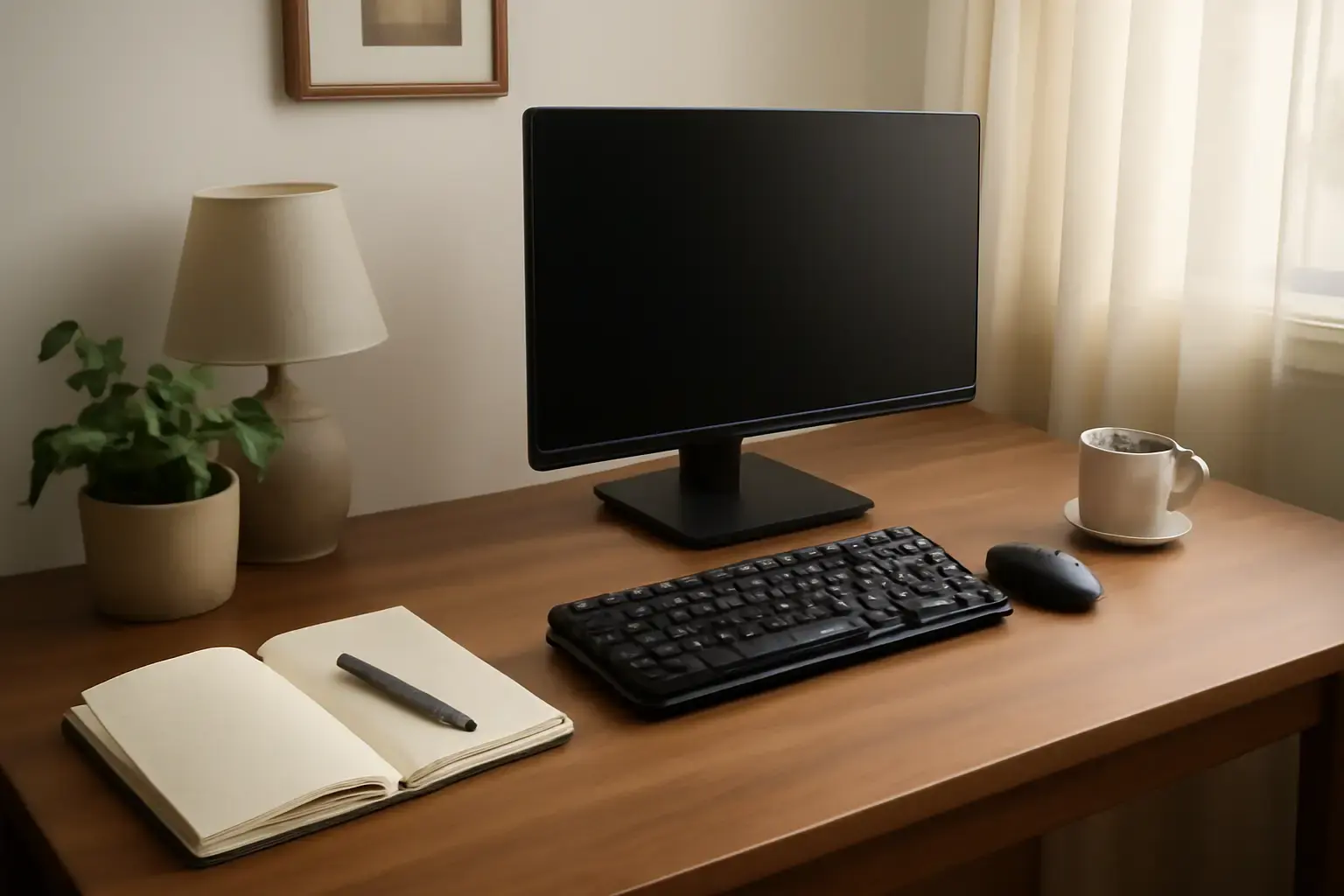
Why Compact Mechanical Keyboards Matter for Writers in Small Home Offices
Writers working from small home offices face a unique challenge: their desk space is limited, but their typing demands are high. Mechanical keyboards remain the favorite for tactile feedback and long-term comfort, yet most are bulky and loud—undesirable in cozy environments or shared apartments. The solution? Compact mechanical keyboards that fit snugly on small desks without sacrificing typing comfort or generating distracting noise.
However, not all compact keyboards are made equal. Many cost-cutting models either compromise key feel or produce excessive noise, frustrating writers who type for hours. On the other hand, premium full-sized mechanical keyboards often overwhelm limited desk setups and create clutter.
This article cuts through the marketing haze to help writers choose truly quiet, comfortable compact mechanical keyboards in 2026 that optimize desk space and typing experience.
Key Criteria for Choosing a Quiet, Comfortable Compact Mechanical Keyboard for Writers
Before diving into product recommendations, knowing what really matters for this use case is essential:
- Keyboard Size & Layout: A 65% or 75% layout is typically ideal—smaller than tenkeyless (TKL) but retaining arrow keys and essential navigation shortcuts writers rely on.
- Switch Type and Noise Level: Quiet mechanical switches such as Cherry MX Silent Red, Gateron Silent Browns, or low-noise optical switches reduce typing noise without sacrificing tactile feedback. Avoid loud clicky switches (e.g., Blue or Green switches) as they disrupt concentration and disturb others.
- Keycap Quality & Profile: PBT keycaps with a sculpted profile (OEM or Cherry) enhance finger comfort over long typing sessions compared to ABS or flat keycaps.
- Build & Stability: Solid build materials and a heavy base reduce keyboard movement and wobble, vital for consistent typing comfort.
- Connectivity & Power: Wired USB is preferred for zero latency during high-speed typing, but Bluetooth wireless options with low latency are available if desk clutter is a concern.
- Desk Space & Portability: Dimensions not just measured by layout but including bezel size and cable management can make or break a small desk setup.
Evaluating keyboards through this lens ensures a fit-for-purpose choice rather than impulse buys driven by flashy aesthetics or brand alone.
Top Quiet Compact Mechanical Keyboards for Writers in Small Home Offices (2026 Edition)
After analyzing current market offerings, these three stand out as top picks for writers needing quiet, comfortable typing in limited desk spaces:
- Keychron Q2 Pro – 65% Layout
Keychron’s Q2 Pro model combines premium build quality with hot-swappable silent mechanical switches (Gateron Silent Browns preinstalled) that strike a superb balance of quietness and tactility. Its aluminum case adds solid heft, curbing desk sliding. The compact 65% layout delivers arrow keys and navigation clusters key writers use frequently, without a number pad cluttering the desk.
Why it works: Exceptional typing feel, superb silent switches, solid build, and a compact footprint that fits small desks.
Who should avoid: Users preferring wireless-only setups, as this is wired USB-C only. - Varmilo VA68M Silent – 65% Layout
Varmilo is known for typing comfort and build excellence. The VA68M Silent features Cherry MX Silent Red switches, PBT keycaps with dye-sub legends, and a minimal bezel. The keyboard’s sound dampening foam inside the case further reduces typing noise. Its detachable USB-C cable supports easy portability.
Why it works: Tailored for quiet typing with premium keycaps and switches, great for writers focused on comfort.
Who should avoid: Those needing Bluetooth connectivity or Mac-specific layouts without customization. - Logitech G915 TKL – Low-Profile, Wireless Mechanical
Logitech’s G915 TKL stands out in the wireless category offering low-profile mechanical switches (GL Tactile or GL Linear) that are quieter than traditional mechanical switches. The tenkeyless design saves space while the wireless LIGHTSPEED technology offers near-zero latency. Key travel is shorter but designed for comfortable long typing sessions.
Why it works: Best fit for writers wanting wireless freedom and a very compact design with quiet low-profile switches.
Who should avoid: Writers preferring traditional full-travel switches and a heavier keyboard feel.
Common Mistakes Writers Make When Buying Compact Mechanical Keyboards
Choosing a compact mechanical keyboard based solely on brand hype or popular design often leads to disappointment. Here are pitfalls to avoid:
Related reading: Best Compact Wireless Keyboards for Students and Remote Workers Needing Portability Without Compromising Typing Comfort
- Ignoring switch noise level: Many compact keyboards use clicky switches by default, which cause fatigue and disturb others. Opt for silent or linear switches unless you prefer tactile clicks.
- Overlooking layout needs: Some ultra-compact 60% keyboards remove arrow keys and home/end keys, which slows editing and navigation during writing.
- Failing to consider keycap quality: Cheap ABS keycaps degrade quickly and cause finger discomfort over long sessions.
- Skipping testing before purchase: If possible, try different switch types and layouts in-store or via friends. Typing feel is highly subjective and critical for writers.
- Buying wireless keyboards without verifying latency: Some Bluetooth keyboards experience lag or key dropouts that hurt typing speed and accuracy.
Practical Setup Tips for Writers Using Compact Mechanical Keyboards in Small Spaces
Maximizing typing comfort goes beyond picking the right keyboard. Consider these setup strategies:
- Use an adjustable keyboard stand or wrist rest: Helps maintain ergonomic hand positioning and reduces fatigue.
- Keep your desk uncluttered: Use cable management tools and wireless peripherals where possible.
- Optimize typing posture: Sit with feet flat, elbows at 90 degrees, and keyboard at or slightly below elbow height.
- Use software enhancements: Remap keys to your editing habits, enable typing noise reduction if your OS supports it.
- Take regular breaks during long writing sessions: Helps prevent repetitive strain injuries even with the best keyboard.
These adjustments complement a good compact mechanical keyboard and ensure sustainable, comfortable typing in small home offices.
For more insights on choosing compact keyboards for tight spaces, see The Best Compact Keyboards for Small Desks and Apartments and How to Choose the Best Compact Mechanical Keyboard for Writers with Limited Desk Space.
Conclusion: Choosing the Right Compact Mechanical Keyboard for Your Writing Nook
Writers working in small home offices don’t have to compromise between desk space and typing comfort anymore. Carefully chosen compact mechanical keyboards in 2026 deliver quiet, tactile typing experiences tailored for long writing hours while fitting limited desk footprints. Prioritize silent switch options, layouts that retain essential navigation keys, and quality build with PBT keycaps.
The Keychron Q2 Pro and Varmilo VA68M Silent take the crown for wired enthusiasts focused on best typing feel and quiet operation. Meanwhile, Logitech G915 TKL offers top-tier wireless performance with low-profile quiet switches for those needing clutter-free setups. Avoid clicky switches and ultra-minimal layouts that sacrifice essential keys for mere size.
Investing wisely in your keyboard can improve your writing flow, reduce fatigue, and maximize your limited workspace—turning your small home office into a productivity haven rather than a frustration zone.
Explore further recommendations on Best Keyboards for Writers, Editors, and Content Creators and Best Wireless Keyboards for Home Office Productivity in 2026.