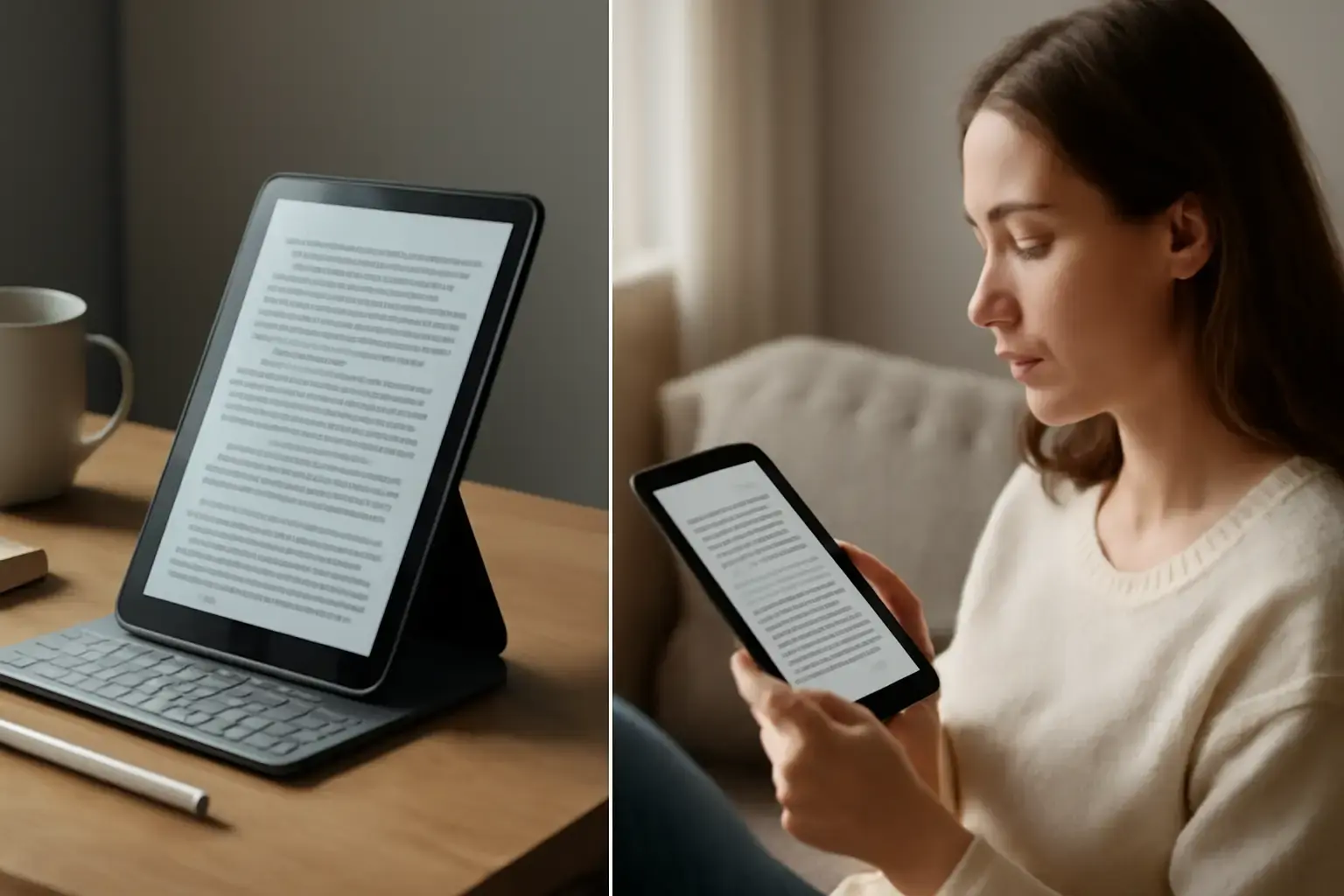
Why Choosing an Eye-Friendly E-Reader Tablet Under $400 Matters for Heavy Readers
For heavy readers, the wrong tablet can quickly turn long reading sessions into a frustrating experience. Eye strain, glare, poor battery performance, and uncomfortable screen brightness are still common problems with many low-cost tablets in 2026. While premium e-readers continue to improve, many models remain expensive or too limited for users who want more than basic book reading.
The good news is that several current-generation e-reader tablets under $400 now offer an excellent balance between reading comfort, battery efficiency, portability, and app support. Whether you prefer dedicated e-ink devices or versatile Android-based tablets with eye-care features, choosing the right device can dramatically improve your reading experience while helping you avoid unnecessary upgrades later.
This guide focuses on the best current-gen e-reader tablets available in 2026 for serious readers who want long battery life, eye-friendly displays, modern software support, and reliable real-world performance without overspending.
What Heavy Readers Should Prioritize in an E-Reader Tablet in 2026
Not every tablet marketed for reading is actually comfortable for extended use. Heavy readers should focus on features that directly affect readability, eye comfort, and long-term usability rather than marketing claims.
Related reading: How to Choose the Best Budget Current-Gen Tablets for Kids That Support Parental Controls and Educational Apps in 2026
- Eye-Friendly Display Technology: E Ink displays remain the gold standard for reading because they mimic paper and reduce eye fatigue significantly. However, modern LCD and IPS panels with advanced blue-light reduction, adaptive brightness, anti-glare coatings, and warm color adjustment can also work well for readers who want multimedia features.
- Battery Life That Supports Long Reading Sessions: Dedicated e-readers can last weeks on a single charge, while high-quality reading tablets should comfortably provide at least 10–14 hours of active reading time. Devices with aggressive battery drain become frustrating during travel or daily use.
- Comfortable Weight and Ergonomics: A lightweight device matters more than many buyers expect. Tablets above 500g can cause wrist fatigue during extended reading sessions, especially for one-handed use in bed, on public transport, or while traveling.
- Display Size and Sharpness: Most readers find 6-inch to 8-inch displays ideal for balancing portability and readability. Higher pixel density improves text clarity dramatically, especially for smaller fonts and PDFs.
- Reading Format Compatibility: The best e-reader tablets in 2026 should support EPUB, PDF, MOBI, Kindle formats, audiobooks, and modern reading apps without lag or ecosystem restrictions.
- Night Reading Features: Adjustable warm lighting and blue-light filtering are essential for reducing eye strain during evening reading sessions and improving overall comfort.
- Modern Software and Performance: Current-generation devices should handle multitasking smoothly, support recent app updates, and remain responsive even with large libraries or PDFs.
Best Current-Gen E-Reader Tablets Under $400 for Heavy Readers in 2026
The following devices stand out in 2026 because they combine strong reading comfort, reliable battery performance, modern hardware, and good long-term value.
1. Kobo Clara Colour
The Kobo Clara Colour is one of the most impressive budget-friendly e-readers available in 2026. It features a 6-inch E Ink Kaleido 3 color display, allowing readers to enjoy comics, book covers, PDFs, and highlighted notes with subtle color support while maintaining the eye-friendly advantages of traditional e-ink screens.
The ComfortLight PRO system automatically reduces blue light exposure at night, making long reading sessions far easier on the eyes compared to standard LCD tablets. Battery life remains exceptional, often lasting several weeks depending on brightness and wireless usage.
Why heavy readers love it:
- True paper-like reading experience
- Excellent outdoor visibility with minimal glare
- Weeks of battery life
- Supports EPUB, PDF, MOBI, and audiobook playback
- Lightweight and easy to hold for hours
Best for: Readers who primarily consume books, novels, manga, and PDFs and want maximum eye comfort without distractions.
See also: Best Budget Tablets Under $300 for Students and Casual Use in 2026: What Actually Works
2. Amazon Fire HD 8 Plus (2025 Refresh)
The updated Amazon Fire HD 8 Plus remains one of the best multipurpose reading tablets under $400 in 2026. While it uses an IPS LCD display rather than e-ink technology, Amazon significantly improved brightness control, adaptive warm tone settings, and battery optimization in the latest generation.
The 8-inch display is comfortable for reading Kindle books, web articles, and PDFs, while the lightweight build helps reduce hand fatigue. Battery life typically reaches around 13 hours of mixed reading and media usage.
Key advantages:
- Affordable pricing well below $200
- Excellent Kindle ecosystem integration
- Supports audiobooks and multimedia apps
- Expandable storage via microSD
- Lightweight design ideal for travel
Trade-offs: Since it uses an LCD panel, it still causes more eye fatigue than dedicated e-ink devices during extremely long reading sessions.
Best for: Users who want a budget tablet that handles reading, streaming, browsing, and casual entertainment in one device.
3. Onyx Boox Go 6
The Onyx Boox Go 6 is one of the strongest premium compact e-ink tablets under $400 for serious readers in 2026. It combines a crisp Carta 1300 E Ink display with Android support, giving users far more flexibility than most closed e-reader ecosystems.
Unlike traditional e-readers, the Boox Go 6 allows installation of Kindle, Kobo, Libby, Google Play Books, and third-party reading apps directly through Android. This flexibility makes it extremely appealing for readers who use multiple ebook platforms.
Why it stands out:
- Excellent text sharpness and contrast
- Very low eye strain during extended reading
- Weeks of battery life
- Supports multiple reading ecosystems
- Extremely portable and lightweight
Best for: Advanced readers who want a flexible Android-based e-ink device without sacrificing portability.
4. Lenovo Tab M11 with Reading Mode
The Lenovo Tab M11 became surprisingly popular among budget-conscious readers in 2026 because of its improved Reading Mode, TÜV-certified low blue light display, and strong battery optimization.
Its 11-inch display provides far more space for PDFs, academic papers, comics, and note-taking compared to smaller e-readers. While it cannot fully match true e-ink comfort, Lenovo’s software adjustments make it noticeably easier on the eyes than many competing Android tablets.
Highlights include:
- Large high-resolution display
- Comfortable reading mode for long sessions
- Solid battery life
- Great for PDFs and multitasking
- Affordable pricing for a larger tablet
Best for: Readers who also need productivity features, note-taking, educational apps, or media consumption.
Common Mistakes Buyers Make When Choosing Budget E-Reader Tablets
- Choosing Cheap LCD Tablets Without Eye-Care Features: Many low-cost tablets advertise themselves as reading devices while offering poor brightness calibration, weak contrast, and aggressive blue-light exposure.
- Ignoring Real Battery Performance: Manufacturer battery claims are often optimistic. Heavy readers should focus on real-world reading endurance rather than standby numbers alone.
- Buying Oversized Tablets for Reading: Large displays may look attractive initially, but heavy devices quickly become uncomfortable during long handheld reading sessions.
- Overlooking Ecosystem Compatibility: Some readers later discover their preferred ebook apps or formats are unsupported or heavily restricted.
- Ignoring Anti-Glare and Warm Lighting Features: These features dramatically improve comfort during nighttime reading and outdoor use.
How to Reduce Eye Strain While Reading on Tablets
Even the best reading tablet benefits from proper usage habits. Heavy readers can improve comfort significantly with a few practical adjustments.
- Enable Warm Lighting at Night: Reducing blue light exposure helps minimize eye fatigue and may improve sleep quality.
- Use Matte Screen Protectors: Matte finishes reduce reflections and glare, especially on glossy LCD tablets.
- Increase Font Size Slightly: Small text forces your eyes to work harder during extended sessions.
- Adjust Brightness Based on Ambient Lighting: Overly bright screens are one of the most common causes of reading fatigue.
- Take Short Breaks During Marathon Reading Sessions: Following the 20-20-20 rule can help reduce long-term eye strain.
- Use Dedicated Reading Modes: Modern tablets often include grayscale modes, paper simulation, or adaptive reading settings specifically designed for extended reading.
For more on choosing the right device, see How to Choose the Best E-Reader Tablet for Heavy Book Readers on a Budget Under $400 and explore Best Tablets Under $400 for Students Balancing School and Entertainment in 2026 for versatile options.
You may also like: How to Choose a Budget Android Tablet for Students Needing Good Performance for Reading, Streaming, and Note-Taking
Final Recommendation: Which E-Reader Tablet Under $400 Is Best for You in 2026?
If your main priority is maximum eye comfort and extremely long battery life, the Kobo Clara Colour is one of the best overall choices for heavy readers in 2026. Its color E Ink display delivers a modern reading experience while maintaining the paper-like comfort serious readers prefer.
If you want a versatile budget tablet that handles ebooks, streaming, audiobooks, web browsing, and casual entertainment, the Amazon Fire HD 8 Plus (2025 Refresh) offers outstanding value for the price while remaining lightweight and easy to use.
For readers who want premium flexibility with Android app support combined with true e-ink comfort, the Onyx Boox Go 6 is one of the strongest advanced reading devices available under $400.
Meanwhile, users who frequently read PDFs, academic material, or documents alongside productivity tasks may find the Lenovo Tab M11 a better all-around option thanks to its larger display and modern reading features.
Ultimately, the best e-reader tablet for heavy readers in 2026 depends on whether you value pure reading comfort, multimedia versatility, Android flexibility, or large-screen productivity. Choosing a device that matches your real reading habits will give you a far better long-term experience and help you avoid upgrading again too soon.