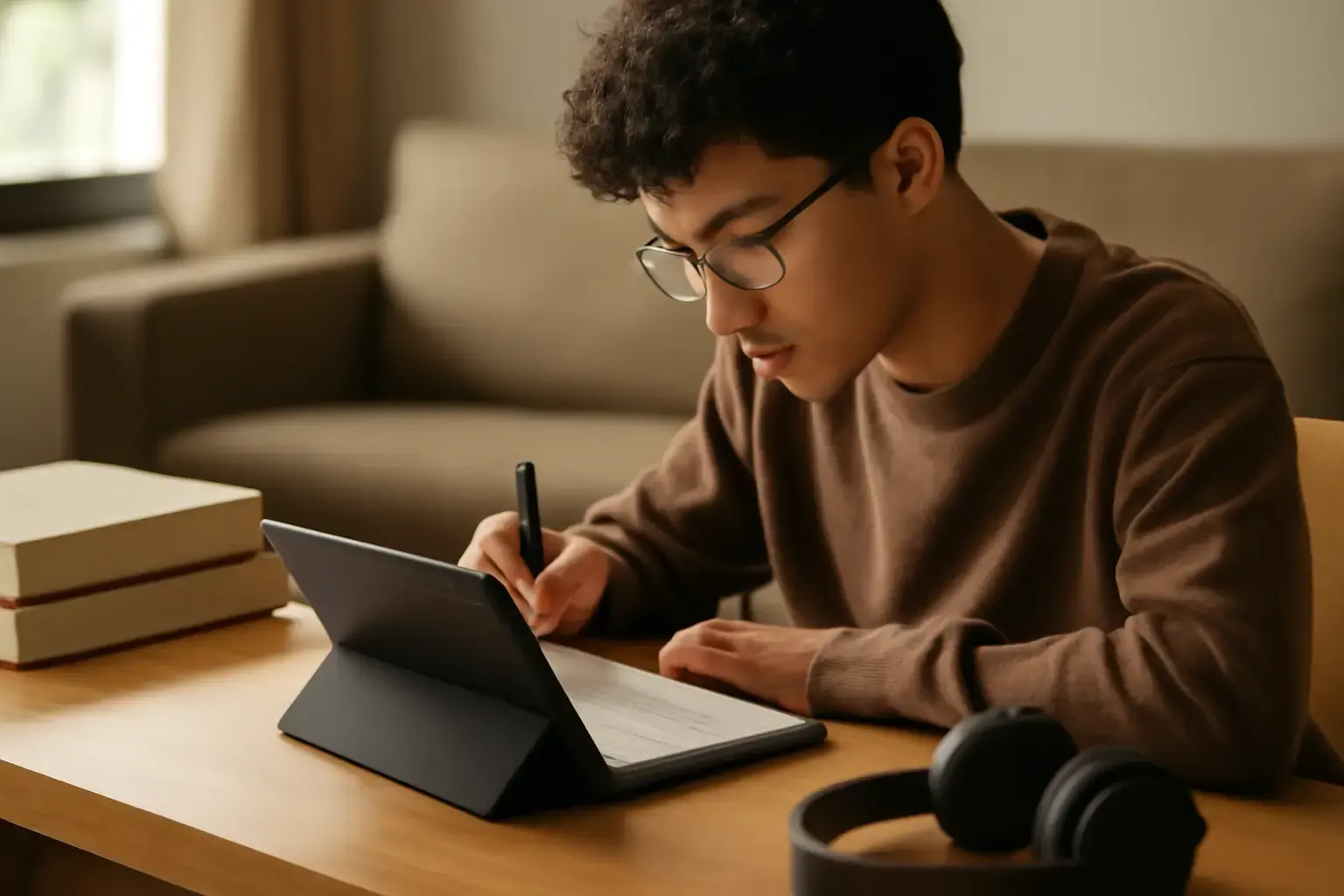
Why Budget Android Tablets Still Matter for Students in 2026
Students in 2026 depend on tablets more than ever for studying, reading digital textbooks, attending online lectures, streaming educational content, taking handwritten notes, researching assignments, and managing multitasking throughout the day. While premium tablets offer flagship-level speed and advanced features, many students simply cannot justify spending hundreds of dollars on high-end devices.
Fortunately, modern budget Android tablets have improved dramatically in recent years. Affordable tablets now offer smoother multitasking, sharper displays, longer battery life, better app compatibility, and more refined software experiences than older budget devices ever could. For students who mainly need reliable performance for reading, streaming, note-taking, and light productivity, a well-chosen budget Android tablet can deliver excellent value without sacrificing everyday usability.
The challenge is knowing which features genuinely improve the student experience and which specifications are mostly marketing. Many low-cost tablets still struggle with laggy software, dim displays, weak processors, poor update support, or disappointing battery optimization. A tablet may look impressive on paper but feel frustrating during real-world daily use.
Most students share similar priorities: fast enough performance for multitasking, a comfortable display for long reading sessions, strong battery life for all-day classes, and dependable app support for educational tools. Understanding these core needs helps avoid wasting money on devices that become slow or outdated too quickly.
Related reading: How to Choose the Best Budget Current-Gen Tablets for Kids That Support Parental Controls and Educational Apps in 2026
Key Performance Factors for Student Use: More Than Just Processor Speed
Many buyers focus entirely on processor branding, but real-world tablet performance depends on a balance between hardware optimization, software efficiency, display quality, and battery management.
- Processor and RAM: Students should prioritize tablets using modern mid-range chipsets released within the past two years. Older entry-level processors often struggle with multitasking between browsers, note-taking apps, PDFs, and streaming services. In 2026, 6GB RAM is becoming the ideal minimum for smoother multitasking, though 4GB can still work for lighter use.
- Display Quality for Reading and Streaming: Students spend hours reading digital textbooks, PDFs, lecture slides, and online articles. A sharp Full HD display with good brightness and accurate colors reduces eye fatigue significantly. IPS panels remain common in budget tablets, while some newer affordable models now include AMOLED displays for richer visuals and deeper contrast.
- Battery Life and Charging Speed: Long study sessions demand reliable battery endurance. A good student tablet should comfortably last 8–12 hours of mixed usage including reading, note-taking, browsing, and video playback. Fast charging support is also useful for students moving between classes.
- Storage Capacity: Educational apps, offline videos, PDF textbooks, presentations, and handwritten notes quickly consume storage space. Tablets with at least 128GB internal storage offer better long-term usability. Expandable microSD storage remains useful for media and downloaded lecture content.
- Software Optimization and Updates: Software quality directly affects performance stability. Tablets with cleaner Android experiences often feel faster over time compared to heavily customized systems loaded with unnecessary background apps.
- Stylus and Keyboard Compatibility: Students increasingly rely on digital handwriting and portable productivity setups. Even budget tablets benefit greatly from stylus support and Bluetooth keyboard compatibility.
- Speaker Quality: Streaming lectures, online courses, and educational videos become far more enjoyable on tablets with stereo speakers and decent audio tuning.
Why Display Quality Matters More Than Students Realize
One of the biggest mistakes students make is underestimating the importance of display quality. Since tablets are frequently used for long reading sessions, poor screens can cause eye strain, headaches, and overall discomfort.
Low-resolution displays often make small text appear blurry, especially when reading PDFs or detailed lecture notes. Dim panels also become difficult to use in bright classrooms or outdoor environments. A high-quality display improves readability, makes streaming more enjoyable, and creates a noticeably better overall study experience.
Students who frequently annotate documents or split-screen multitask should also prioritize larger displays around 10–11 inches. Smaller tablets may feel portable, but they can become restrictive when managing multiple apps side by side.
Common Mistakes Students Make When Buying Budget Tablets
Many budget tablet buyers focus mainly on low pricing or promotional discounts while ignoring the factors that actually determine long-term usability.
- Buying Outdated Hardware: Cheap older tablets may appear attractive initially, but outdated processors often struggle with modern Android apps and future software updates.
- Ignoring RAM Limitations: Tablets with only 3GB RAM frequently reload apps in the background and struggle with multitasking between study tools.
- Choosing Poor Displays: Low brightness and weak color reproduction can make long reading sessions uncomfortable.
- Overlooking Software Support: Devices without long-term updates may lose compatibility with educational apps over time.
- Ignoring Stylus Compatibility: Students planning to take handwritten notes should confirm proper stylus support before purchasing.
- Prioritizing Raw Specs Over Optimization: Some tablets advertise powerful hardware but suffer from poorly optimized software that slows performance.
- Buying Extremely Cheap Unknown Brands: Ultra-budget tablets sometimes offer poor durability, unreliable charging ports, weak battery longevity, and inconsistent app compatibility.
Top Budget Android Tablets for Students in 2026 That Balance Performance and Price
Several budget Android tablets stand out in 2026 for offering dependable student-focused performance without premium pricing.
See also: Best Budget Tablets Under $300 for Students and Casual Use in 2026: What Actually Works
-
Samsung Galaxy Tab A9+
The Galaxy Tab A9+ has become one of the best-value Android tablets for students. It offers a large 11-inch display, reliable Snapdragon performance, strong battery life, quad speakers, and Samsung’s polished software experience. Multitasking performance is solid for note-taking apps, streaming, web browsing, and light productivity. -
Lenovo Tab Plus
Lenovo continues improving its budget tablet lineup with better displays and speaker systems. The Lenovo Tab Plus delivers smooth performance for reading and streaming while offering surprisingly strong audio quality for lectures and entertainment content. -
Xiaomi Redmi Pad Pro
The Redmi Pad Pro combines a high-refresh-rate display, excellent battery endurance, and balanced mid-range performance. It performs especially well for students who multitask heavily between study apps, streaming platforms, and web research. -
OnePlus Pad Go
The OnePlus Pad Go offers a clean interface, good battery optimization, and strong display quality at a competitive price. Its lightweight design also makes it comfortable for daily campus use. -
Amazon Fire Max 11
Amazon’s Fire Max 11 remains attractive for students on very tight budgets. While it still requires additional setup for full Google app integration, it provides decent battery life and solid media consumption capabilities for the price. -
Lenovo Tab M11
The Lenovo Tab M11 focuses heavily on education and note-taking support. With optional stylus compatibility and decent multitasking performance, it suits students who prioritize handwritten notes and classroom productivity.
Best Android Tablets for Different Student Needs
Not every student uses a tablet in the same way. Choosing the right model depends heavily on your specific workflow and priorities.
- For Heavy Reading: Prioritize display sharpness, eye comfort modes, and battery life.
- For Streaming Lectures: Focus on speaker quality, display brightness, and stable Wi-Fi performance.
- For Note-Taking: Look for stylus compatibility, palm rejection support, and low-latency handwriting response.
- For Multitasking: Choose tablets with stronger processors and at least 6GB RAM.
- For Portability: Lightweight tablets around 10 inches are easier to carry daily across campus.
- For Entertainment and School Balance: AMOLED or high-refresh displays create a noticeably better experience for both studying and casual media consumption.
Practical Buying Tips: What to Ask Before You Buy
- Can it handle your daily apps smoothly? Test or research performance with apps like OneNote, Google Docs, Kindle, YouTube, Netflix, Zoom, and Chrome.
- Does it support split-screen multitasking? Students often switch between lecture videos and note-taking simultaneously.
- Is the display comfortable for long sessions? Reading comfort matters more than many buyers initially expect.
- How reliable is battery performance in real-world usage? Marketing claims are often optimistic compared to actual student usage patterns.
- Does it support stylus input properly? Handwriting responsiveness varies significantly between tablets.
- How long will software updates continue? Better update policies extend device lifespan considerably.
- Is the storage sufficient long term? Educational files and offline media can quickly consume space.
- Are accessories easy to find? Reliable keyboard covers, cases, and stylus replacements improve long-term usability.
For a deeper dive into the best budget tablets for students balancing school and entertainment, check our detailed guide Best Tablets Under $400 for Students Balancing School and Entertainment in 2026.
Additionally, if you want to focus primarily on reading, our article on How to Choose the Best E-Reader Tablet for Heavy Book Readers on a Budget Under $400 offers specialized advice.
You may also like: iPad vs Android Tablet for Work and Study: Which Is Better in 2026?
How Students Can Make Budget Tablets Perform Better Long Term
Even affordable tablets can remain fast and reliable for years with proper optimization habits.
- Keep Software Updated: Updates improve security, app compatibility, and performance stability.
- Avoid Installing Too Many Background Apps: Excessive apps consume RAM and reduce battery efficiency.
- Use Cloud Storage: Services like Google Drive help reduce local storage pressure.
- Manage Battery Health: Avoid excessive heat and unnecessary overnight charging whenever possible.
- Use Lightweight Productivity Apps: Optimized note-taking and reading apps reduce system strain.
- Invest in a Quality Case and Screen Protector: Budget tablets benefit greatly from physical protection during daily student travel.
Conclusion: Which Budget Android Tablet Should Students Buy in 2026?
Budget Android tablets in 2026 are far more capable than many students expect. Devices like the Samsung Galaxy Tab A9+, Redmi Pad Pro, Lenovo Tab M11, and OnePlus Pad Go prove that students no longer need flagship-level spending to enjoy smooth reading, reliable streaming, effective note-taking, and productive multitasking.
The best student tablet is not necessarily the one with the most powerful processor or the largest display. Instead, the ideal device balances battery life, display comfort, software reliability, multitasking capability, and long-term usability within a realistic student budget.
Students should prioritize real-world performance over flashy specifications. A well-optimized tablet with strong software support and dependable battery life will deliver a far better experience than a cheaper device overloaded with outdated hardware and poor optimization.
Whether your focus is reading digital textbooks, attending virtual lectures, taking handwritten notes, or streaming educational content between classes, choosing the right budget Android tablet can dramatically improve productivity and make everyday studying far more convenient throughout 2026 and beyond.