Why External Keyboards Matter More for Android Tablet Typists in 2026
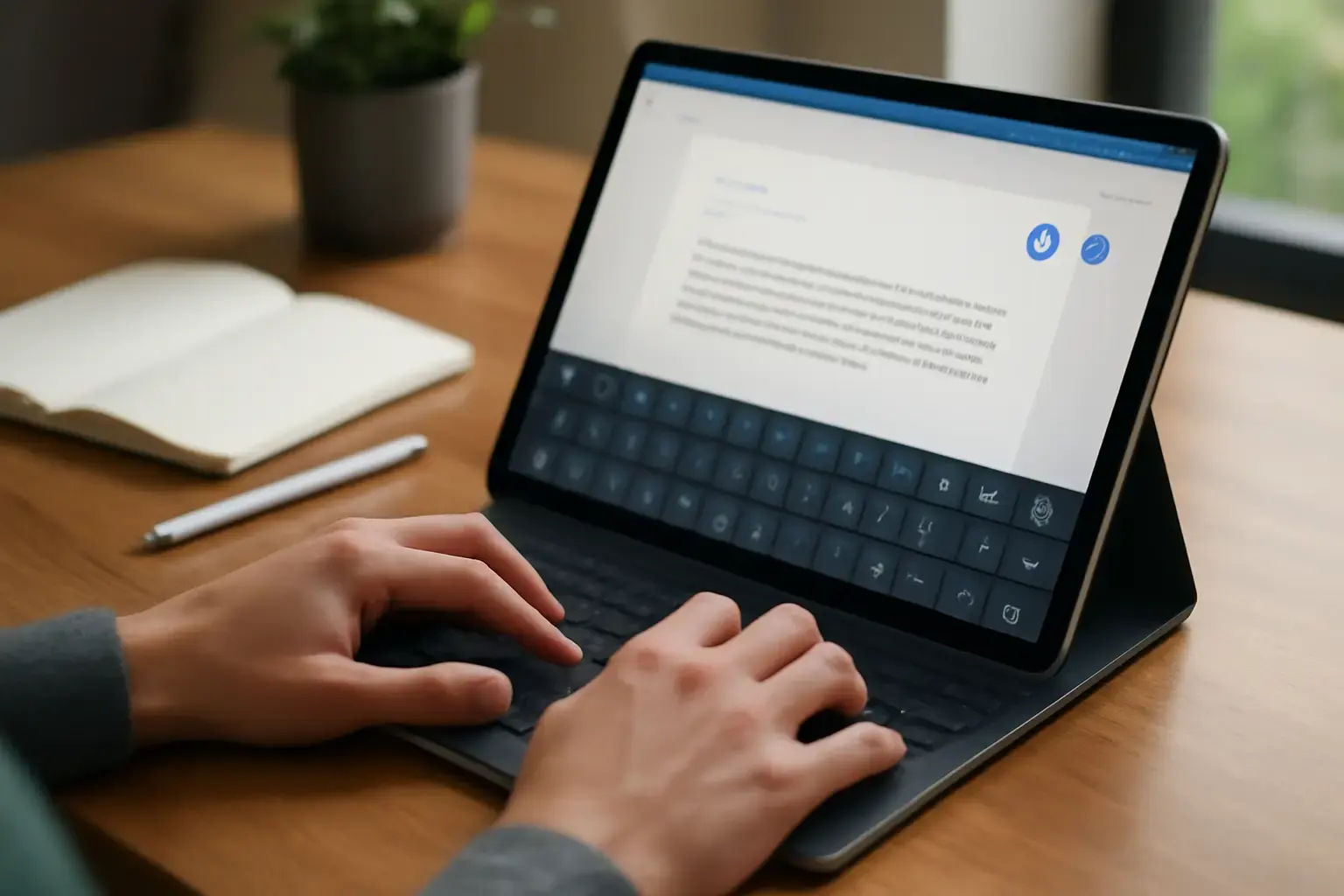
Android tablets have improved dramatically in performance and portability, but their default on-screen keyboards often lag behind when it comes to typing speed and autocorrect reliability. Unlike iPads, Android tablets suffer from a diverse ecosystem with variable software optimization, causing autocorrect delays and inaccurate suggestions that frustrate even seasoned typists. If you frequently write emails, draft long-form content, or take extensive notes on an Android tablet, investing in the right external keyboard isn’t just about physical keys — it’s a genuine upgrade to your typing workflow that can eliminate software quibbles and boost Words Per Minute (WPM).
External keyboards give tactile feedback, better key spacing, and dedicated shortcut keys that virtual keyboards can’t match. But not all keyboards are equal in solving Android autocorrect woes or speeding up typing — knowing which models and features actually work well in real-world Android tablet use is essential before spending your money.
Key Factors to Consider for Android Tablet Keyboards in 2026
Choosing an external keyboard that truly improves your typing experience on an Android tablet goes beyond key feel. Here is what matters most:
- Compatibility and Connectivity: Bluetooth remains the most common connection type. Look for keyboards with seamless Android pairing and minimal latency. USB-C wired keyboards sometimes offer better stability but reduce portability.
- Key Travel and Layout: Tactile mechanical switches boost typing speed and reduce fatigue but tend to be bulkier. Low-profile chiclet keyboards prioritize portability but can sacrifice feedback. Also, ensure Android-specific keys are supported, such as the home and multitasking buttons.
- Autocorrect Interaction: Some keyboards paired with smart typing apps or Android’s improved input methods can reduce autocorrect delays and improve prediction accuracy. While external keyboards offload physical input, the system’s autocorrect behavior depends largely on software.
- Shortcut and Function Keys: Dedicated keys for brightness, volume, search, and language switching speed up typing workflows for multitasking and multilingual users.
- Build Quality and Portability: Tablets are mobile devices, so the keyboard should be durable but lightweight. Detachable or foldable keyboards add versatility.
Top External Keyboards for Android Tablets in 2026: Who They’re For and What to Expect
Here’s a breakdown of the best external keyboards that reduce autocorrect headaches and boost typing speed, sorted by use case.
1. Logitech K380 Multi-Device Bluetooth Keyboard – Best for Portability and Android Compatibility
This compact keyboard is a perennial favorite for Android tablet users. It supports up to three device pairings and switches between Android, Windows, and iOS layouts smoothly. The low-profile scissor keys offer comfortable tactile feedback without mechanical noise, which is ideal for on-the-go typing. It includes Android-specific shortcut keys that speed up common actions.
Why it works: Minimal autocorrect lag because it integrates well with Android’s input system. The keyboard layout supports quick language switching which reduces autocorrect errors for multilingual users. Its compact size makes it an excellent choice for students and commuters needing fast portable typing.
Limitations: Key travel is shallow, which some heavy typists may find less satisfying for extended sessions. No backlighting.
Related reading: Best Tablet Keyboards for Students Taking Extensive Notes in 2026: Minimizing Typing Fatigue Without Sacrificing Portability
2. Keychron K3 Pro Wireless Mechanical Keyboard – Best for Heavy Typists and Developers
For Android tablet users who want mechanical keys to maximize typing speed and accuracy, the K3 Pro offers ultra-low-profile mechanical switches with hot-swappable options. It pairs via Bluetooth with minimal latency and has an aluminum frame balancing durability and weight.
Why it works: Mechanical switches improve key registration accuracy and reduce finger fatigue. Dedicated Android layout support means fewer mistypes and autocorrect dependencies. Programmable keys allow you to customize shortcuts that speed up multilingual typing and coding sessions.
Limitations: Pricier than compact membrane options. Slightly heavier, less ideal for ultra-light travel setups.
3. Jelly Comb Foldable Bluetooth Keyboard – Best Budget Option for Casual Writers and Travelers
This foldable keyboard is highly portable for Android tablet users needing quick typing fixes on the go. It connects instantly via Bluetooth and folds into a compact design perfect for backpacks and purses.
Why it works: Despite its budget price, it supports Android-specific keys that reduce autocorrect frustration by enabling faster manual corrections and language toggling. The key travel is better than on-screen keyboards, improving WPM for casual typing.
Limitations: Keys are somewhat cramped, which can slow heavy typists. No mechanical switches, so less feedback and durability.
4. Microsoft Surface Keyboard – Surprisingly Great on Android Tablets for Typing Comfort
Though designed for Surface devices, this keyboard pairs flawlessly with Android tablets. It offers well-spaced keys and a smooth tactile response that many typists find comfortable for long typing sessions.
Why it works: High build quality and excellent key stability minimize errors that trigger autocorrect delays. The keyboard’s intuitive layout supports easy switching between input languages on Android, helping multilingual users.
Limitations: Heavier and less portable than mini Bluetooth keyboards. Lacks backlighting.
How to Reduce Autocorrect Frustrations Beyond Keyboard Choice
Even the best external keyboard can’t fully solve autocorrect lag and errors if Android’s software input settings are misconfigured. Here are practical tips to complement your keyboard upgrade:
- Use a High-Quality Android Keyboard App: Gboard and SwiftKey both offer advanced autocorrect algorithms and better predictive typing than stock keyboards. Pair these with your external keyboard for the best experience.
- Customize Language and Input Settings: Disable autocorrect for languages you rarely use to avoid false positives. Adjust typing delay and prediction aggressiveness in your keyboard app settings.
- Keep Firmware and OS Updated: Android updates often refine Bluetooth connectivity and input latency, so stay current.
- Clear Keyboard Cache and Data Periodically: This prevents glitchy behavior in autocorrect and prediction.
Common Mistakes Android Tablet Users Make When Choosing External Keyboards
Many typists waste money or settle for poor experiences by falling into these traps:
- Buying iPad-Centric Keyboards: Not all iPad keyboards work perfectly with Android tablets; special function keys may be missing or non-functional, increasing autocorrect reliance and slowing typing.
- Ignoring Android Shortcut Keys: Keyboards without Android system keys force you to rely on touchscreen controls, slowing down workflows.
- Choosing Mechanical Keyboards Without Considering Portability: Some mechanical keyboards are bulky and heavy — great for desks, not for tablet users needing mobility.
- Overlooking Software Setup: A powerful keyboard paired with poorly configured Android input settings won’t solve autocorrect lag or typing errors.
Practical List: How to Choose Your Best External Keyboard for Android Tablet in 2026
- Identify your primary use case: heavy typing, casual note-taking, coding, or travel.
- Prioritize Android compatibility: Look for confirmed Android shortcut key support and Bluetooth profiles.
- Consider key switch type: Mechanical for heavy use and tactile feedback; membrane/scissor for portability and quiet use.
- Test portability needs: Foldable or compact if you carry your tablet daily; full-size desk keyboards for stationary setups.
- Check battery life or wired options for long typing sessions without interruptions.
- Match your budget but avoid very cheap options with cramped keys or weak build quality.
- Pair with a premium Android keyboard app like Gboard for best autocorrect and prediction performance.
For students and professionals looking for reliable typing on the go, also consider how to choose a tablet keyboard that minimizes typing fatigue. Android users familiar with iPad setups may want to compare with the best external keyboards for iPad users to understand ecosystem differences. For note-taking students focused on reliability, see best tablet keyboards for students needing reliable typing support.
Final Recommendation: Pick Your Keyboard Based on Your Android Tablet Typing Priorities
In 2026, Android tablets still lag behind iPads in autocorrect speed and prediction polish, but the right external keyboard can bridge that gap significantly. If you prioritize portability and seamless Android integration, the Logitech K380 remains a top choice. For serious writers and developers who want mechanical feedback and longer-lasting build quality, the Keychron K3 Pro is worth the investment. Budget travelers should consider foldable keyboards like Jelly Comb. Avoid generic iPad keyboards or compact models without Android shortcut support, as they often cause more autocorrect aggravation and slow typing.
Ultimately, pairing your external keyboard with a high-quality Android keyboard app and fine-tuning input settings is equally crucial for reducing autocorrect delays and boosting your typing speed. Invest in a keyboard that matches your typing style and mobility needs — it’s the best way to upgrade your Android tablet from a frustrating input device to a powerful text-entry tool in real life.