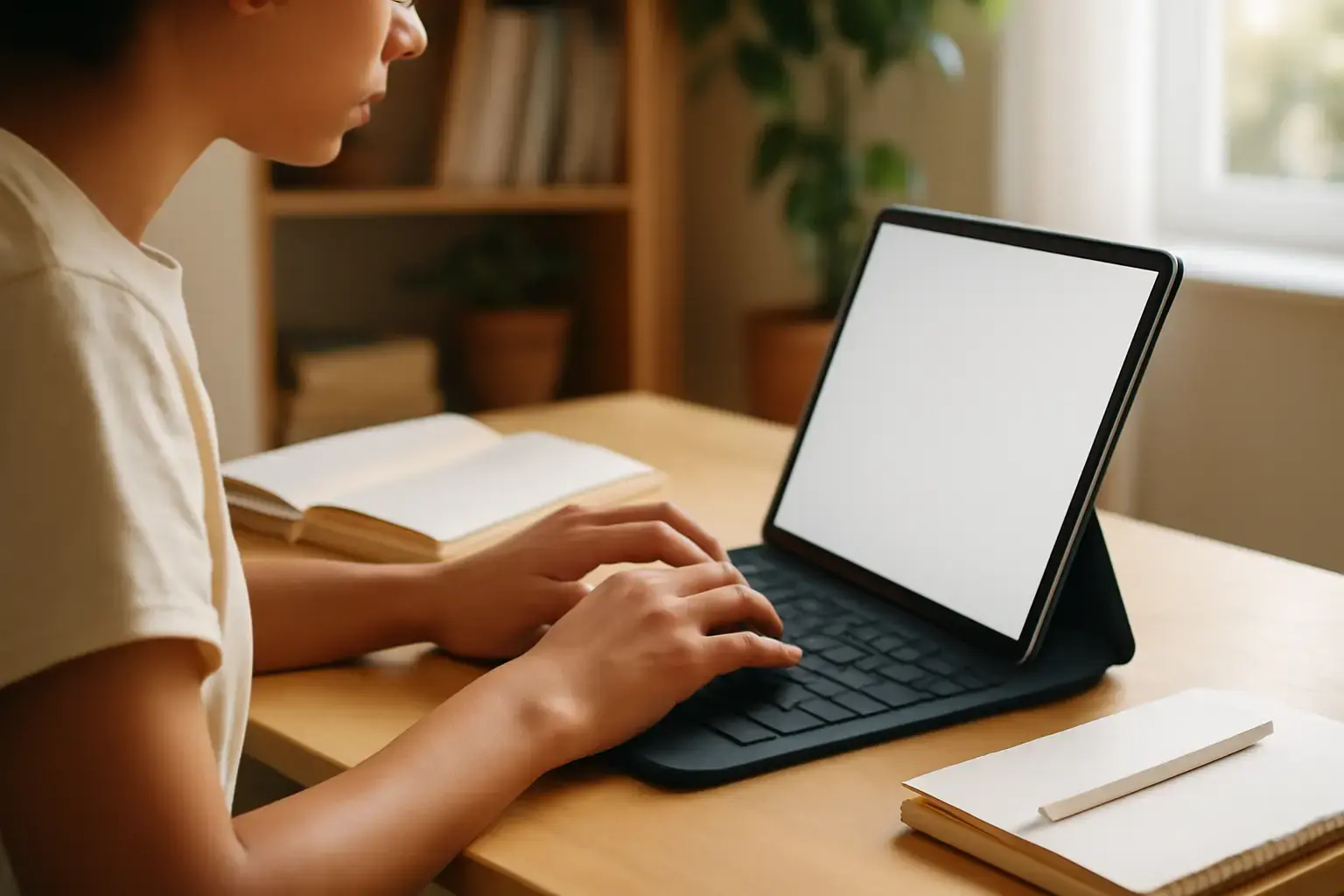
Why Typing Fatigue on Tablets Is a Real Problem for Students
When students rely on tablets for note-taking, the choice of keyboard can make or break their study efficiency. Unlike traditional laptops, tablets often require external keyboards that vary wildly in build quality, key feel, and ergonomics. Poorly designed tablet keyboards contribute to finger strain, hand cramps, and general typing fatigue during long lecture sessions or exam prep. This isn’t just discomfort — it can slow typing speed and reduce note accuracy, ultimately impacting learning outcomes.
Choosing a keyboard optimized to minimize fatigue means addressing key travel, tactile feedback, stability, and ergonomic layout — factors often overlooked by students chasing portability or low price.
Key Features to Prioritize in Tablet Keyboards for Long Note-Taking
Not all tablet keyboards are created equal when it comes to typing comfort over hours. Students should look closely at the following:
Related reading: Best External Keyboards for iPad Users Struggling with Typing Accuracy and Autocorrect Delays in 2026
- Key Travel and Tactile Feedback: Look for keyboards with moderate key travel (typically 1.5–2.5mm) and a satisfying tactile bump. Shallow or mushy keys cause finger fatigue because they require more force or cause uncertainty in key presses.
- Stable Base and Firm Keycaps: A keyboard that flexes or rattles wastes extra finger energy. Mechanical or well-built scissor-switch keyboards generally provide a firmer feel than cheap membrane types.
- Ergonomic Layout: Full-size layouts with well-spaced keys reduce accidental presses and allow relaxed finger positioning. Compact or cramped keyboards increase stress on thumbs and pinkies.
- Typing Angle and Tilt Options: Adjustable kickstands or built-in tilt let students optimize wrist angles, reducing strain during extended typing.
- Backlighting with Adjustable Brightness: While not directly related to fatigue, proper lighting reduces eye strain that can exacerbate general tiredness during long study periods.
- Connectivity and Latency: Wired or low-latency Bluetooth keyboards prevent missed keystrokes or delays that cause finger stress.
Tablet Keyboard Types: Trade-offs Between Portability and Comfort
Students often face a choice between ultra-portable keyboards bundled with tablets and more robust third-party options. Understanding these trade-offs helps avoid uncomfortable surprises.
- Folio and Slim Keyboards: These attach directly to tablets, boosting portability but usually have lower key travel and more cramped layouts. Best for short notes but not ideal for marathon typing.
- Detachable and Bluetooth Mechanical Keyboards: Offer superior typing feel with more key travel and better build quality. Bulkier and heavier, but the ergonomic payoff is significant for long sessions.
- Compact Wireless Keyboards: Lightweight and portable, yet some models sacrifice key size and spacing, which can increase fatigue during heavy note-taking.
Best Current-Gen Tablet Keyboards for Students in 2026 That Minimize Fatigue
While specific student needs vary, these keyboards stand out this year for combining comfort and realistic portability:
- Logitech Combo Touch for iPad: Offers scissor-switch keys with decent travel, a kickstand for adjustable angles, and a stable case design. Great for iPad students needing reliable typing during long lectures.
- Keychron K3 Pro: A low-profile mechanical keyboard with Bluetooth support that pairs well with Android tablets. Its tactile keys reduce finger strain significantly compared to membrane options.
- Microsoft Surface Pro Signature Keyboard: Well-spaced keys with good travel and a soft-touch finish. Its adjustable angle and solid base make it a comfortable pick for prolonged typing.
- Arteck HB030B Bluetooth Keyboard: Budget-friendly with quiet scissor switches and backlighting. Ideal for students on a budget who want moderate typing comfort and portability.
Common Mistakes Students Make When Choosing Tablet Keyboards
Many students prioritize price or brand without realizing the ergonomic consequences. Here are pitfalls to avoid:
- Ignoring Key Feel: Buying a keyboard with flat, low-travel keys leads to finger fatigue faster than paying a bit more for a quality typing experience.
- Overlooking Stability: Thin, flexible keyboards may fold or wobble under typing pressure, forcing fingers to compensate and tiring hands quickly.
- Neglecting Typing Angle: Skipping adjustable tilt options can cause uncomfortable wrist extensions during long sessions.
- Choosing Ultra-Compact Layouts: Tiny keys or cramped spacing might save space but increase errors and slow typing speed, resulting in more fatigue.
Practical Tips to Reduce Typing Fatigue Beyond the Keyboard
Even the best keyboard won’t eliminate typing fatigue if the overall setup isn’t optimized. Students should:
- Take regular breaks every 30–45 minutes to stretch fingers, hands, and wrists.
- Maintain neutral wrist posture using adjustable tablet stands or desk setups.
- Use typing trainer apps focused on ergonomic techniques to build endurance.
- Consider external mice or styluses for note markup to vary hand movement.
Leveraging these tips with the right tablet keyboard can dramatically improve note-taking stamina and accuracy.
For deeper dives into specific tablet keyboards for students, check out our detailed picks for 2026 and best practices for pairing keyboards with tablets.
You may also like: Best Tablets Under $400 for Students Balancing School and Entertainment in 2026
Conclusion: Which Tablet Keyboard Should Students Choose to Avoid Typing Fatigue?
Students taking long notes on tablets must prioritize typing comfort above portability or price alone. Keyboards with solid key travel and tactile feedback, stable construction, comfortable layouts, and adjustable tilt options offer the best defense against typing fatigue. Mechanical or premium scissor-switch keyboards, like the Keychron K3 Pro or Logitech Combo Touch, provide the ideal balance for serious note-taking.
Cheaper folio keyboards may seem convenient but risk causing finger strain during marathon study sessions. Investing wisely in a quality tablet keyboard pays off by enabling faster, more accurate notes and preserving hand comfort.
Ultimately, students should test keyboards in person when possible and combine the right hardware with ergonomic typing habits and breaks. This approach ensures tablet note-taking is sustainable, comfortable, and productive throughout the school year.