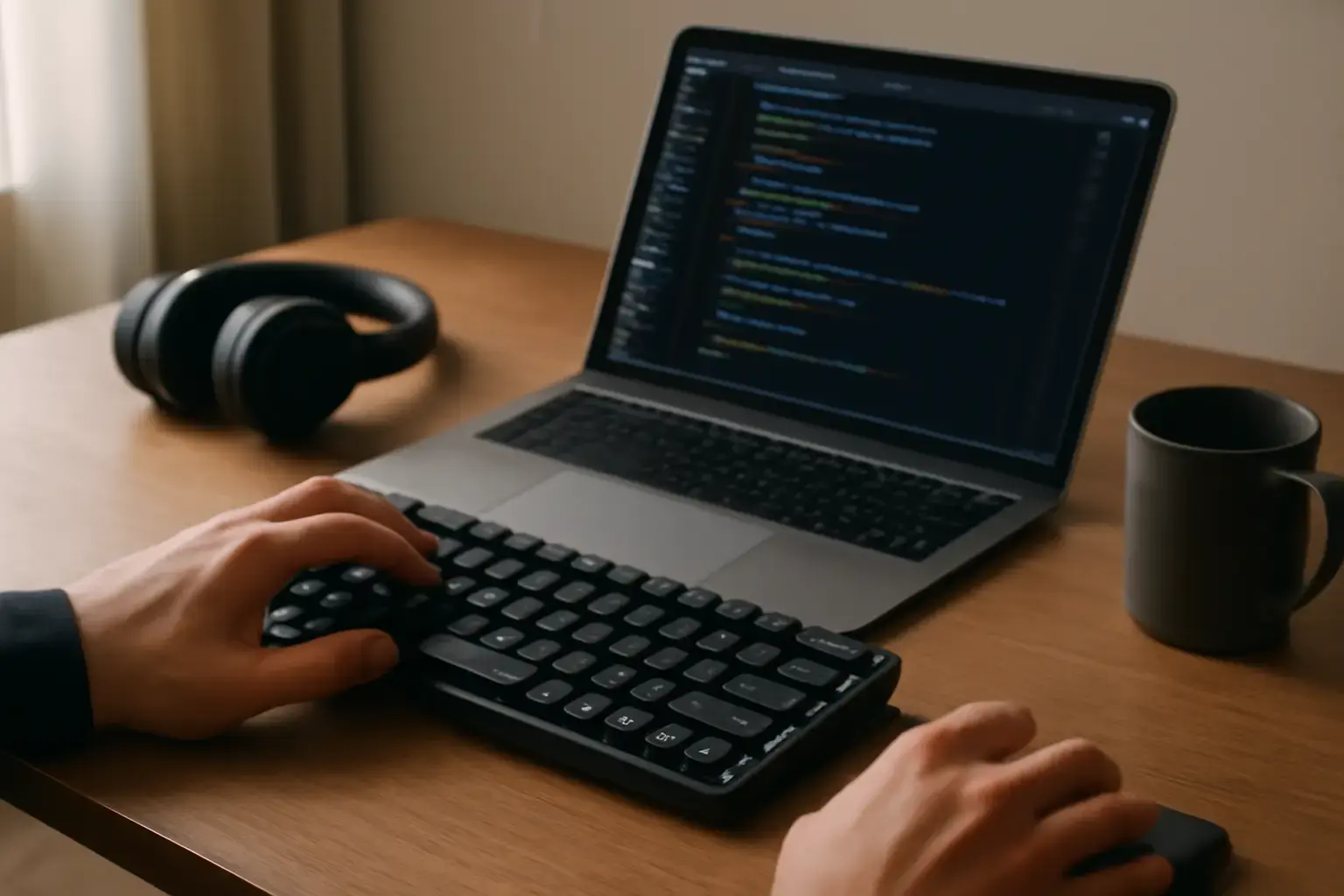
Why Low Latency Matters for Remote Developers in 2026
Latency—the delay between pressing a key and the character appearing on screen—is critical for developers who spend hours coding remotely. Even slight delays can disrupt flow, lead to mistyped symbols, and ultimately reduce productivity. Bluetooth keyboards have improved vastly, but not all models deliver the responsiveness needed for fast, accurate coding sessions. Low-latency Bluetooth keyboards help maintain rhythm, reduce mental fatigue, and ensure that fast typists don’t feel held back by their input devices.
However, not all Bluetooth keyboards marketed as "low latency" meet the real-world demands of developers. The trick lies in balancing latency with typing comfort, key layout suitability for coding symbols, and stable wireless connection under varied conditions.
Key Factors to Look for When Choosing a Low-Latency Bluetooth Keyboard
1. Bluetooth Version and Protocol Support
The latest Bluetooth 5.2 or above offers improvements in speed and stability, which can reduce input lag. Look for keyboards specifying support for low-latency protocols like Bluetooth LE (Low Energy) HID or those with proprietary optimizations targeting gaming or professional typing. Avoid devices stuck on older Bluetooth 4.0 or 4.2 standards, as they tend to have higher latency and less reliable connections.
2. Mechanical Switches vs Membrane Keyboards
Mechanical switches generally provide better tactile feedback, faster actuation points, and greater durability—important for developers typing complex code for hours. Certain mechanical switches, like Cherry MX Speed or Kailh Silver, are designed for fast actuation and minimal debounce delay, which helps reduce latency. Membrane or scissor-switch keyboards may feel quieter but often sacrifice responsiveness and key feel.
Related reading: Best Android Keyboard Apps That Balance Fast Typing and Easy Access to Technical Symbols for Developers in 2026
3. Signal Stability and Multi-Device Pairing
A keyboard that easily drops connection or has interference issues will disrupt your coding focus. Choose keyboards with advanced frequency hopping or dual antenna designs for stable connections in crowded wireless environments. Multi-device pairing can be helpful if you switch often between laptop, tablet, or smartphone, but verify that device switching occurs instantly without added lag.
4. Key Layout and Coding Symbol Access
The keyboard layout matters more for coding than for general typing because frequent access to symbols like brackets, braces, semicolons, and backslashes is critical. Avoid compact keyboards that sacrifice dedicated keys or force awkward key combos, as that slows down coding speed. Full-size or 75% layouts with well-placed function and symbol keys improve fluidity.
For more detail on layouts that support coding without sacrificing comfort, see our guide on keyboards for fast coding symbol input.
Common Trade-Offs and Hidden Downsides to Consider
Latency vs Battery Life
Some Bluetooth keyboards reduce latency by keeping wireless radios in a higher-power state or by using higher polling rates, which can significantly reduce battery life. If your workflow involves long coding sessions away from power outlets, consider whether the keyboard supports fast charging or replaceable batteries to avoid downtime.
Mechanical Switch Noise vs Quiet Typing
Mechanical keyboards that help reduce latency often have clicky switches that are noisy, potentially distracting in shared remote workspaces or video calls. While silent mechanical switches exist, they may slightly increase latency or reduce the crisp feel developers rely on. Decide what balance fits your environment best.
Compactness vs Full Function
Portability-friendly compact Bluetooth keyboards are tempting for developers on the move, but they often omit dedicated function keys or rearrange symbol keys, complicating programming tasks. Larger keyboards take more space but improve typing accuracy and speed.
Top Features to Prioritize for Remote Developer Coding Keyboards in 2026
- High polling rate with low debounce delay: Ensures rapid transmission of keystrokes with minimal signal processing lag.
- Stable Bluetooth 5.2 or higher support: Reduces connection drops and interference.
- Mechanical switches optimized for speed: Switch types like Cherry MX Speed Silver or Kailh Low Profile speed switches.
- Comfort-optimized layout: At least 75% keyboard with accessible coding symbols and functional key row.
- Multi-device support with instant switching: For developers juggling multiple machines or tablets.
- Good battery life with quick recharge: To sustain long coding sessions without interruption.
- Optional wired mode or USB-C pass-through: For guaranteed zero latency when critical.
Practical Recommendations to Avoid Wasting Money
- Avoid generic low-cost Bluetooth keyboards: Many advertise "low latency" but use membrane switches and outdated Bluetooth standards, resulting in poor coding experience.
- Don’t assume Bluetooth 5.0 is enough: The jump to 5.2 or proprietary enhancements matters for latency-sensitive work.
- Beware of keyboards without dedicated coding symbols: Compact layouts missing keys like backslash, brackets, and function rows will slow you down.
- Test multi-device switching latency before buying: Developers who use multiple devices must verify switching latency doesn't interrupt flow.
- Consider wired fallback options: Some Bluetooth mechanical keyboards double as wired USB-C devices for latency-free use.
For deeper help troubleshooting latency issues on Bluetooth mechanical keyboards, check out our technical troubleshooting guide.
Conclusion: Choose for Latency, Layout, and Reliable Wireless Stability
Remote developers aiming for fast, accurate coding in 2026 can no longer tolerate Bluetooth keyboards with stale latency or poor symbol layouts. Prioritize devices that combine up-to-date Bluetooth 5.2 support, mechanical speed-optimized switches, full 75% or larger layouts with coding symbol access, and multi-device switching without lag. Trade-offs between battery life and latency or noise and tactile feel are real but manageable by selecting keyboards supporting wired fallback and quiet mechanical switches.
If you’re a remote developer frustrated by lag, missed keys, or awkward symbol input, upgrading to a carefully chosen low-latency Bluetooth keyboard will pay dividends in coding speed and reduced frustration. Before buying, test your top picks for real typing feel, inspect symbol key positions, and verify multi-device support meets your switching workflow. This practical approach can save you from costly keyboard regrets and keep your remote coding sessions flowing smoothly all day.
Related reading: Best Wireless Mechanical Keyboards for Remote Developers in 2026: Low Latency Meets Typing Comfort
Explore more on choosing keyboard layouts optimized for coding at TypingKeyboard.net.