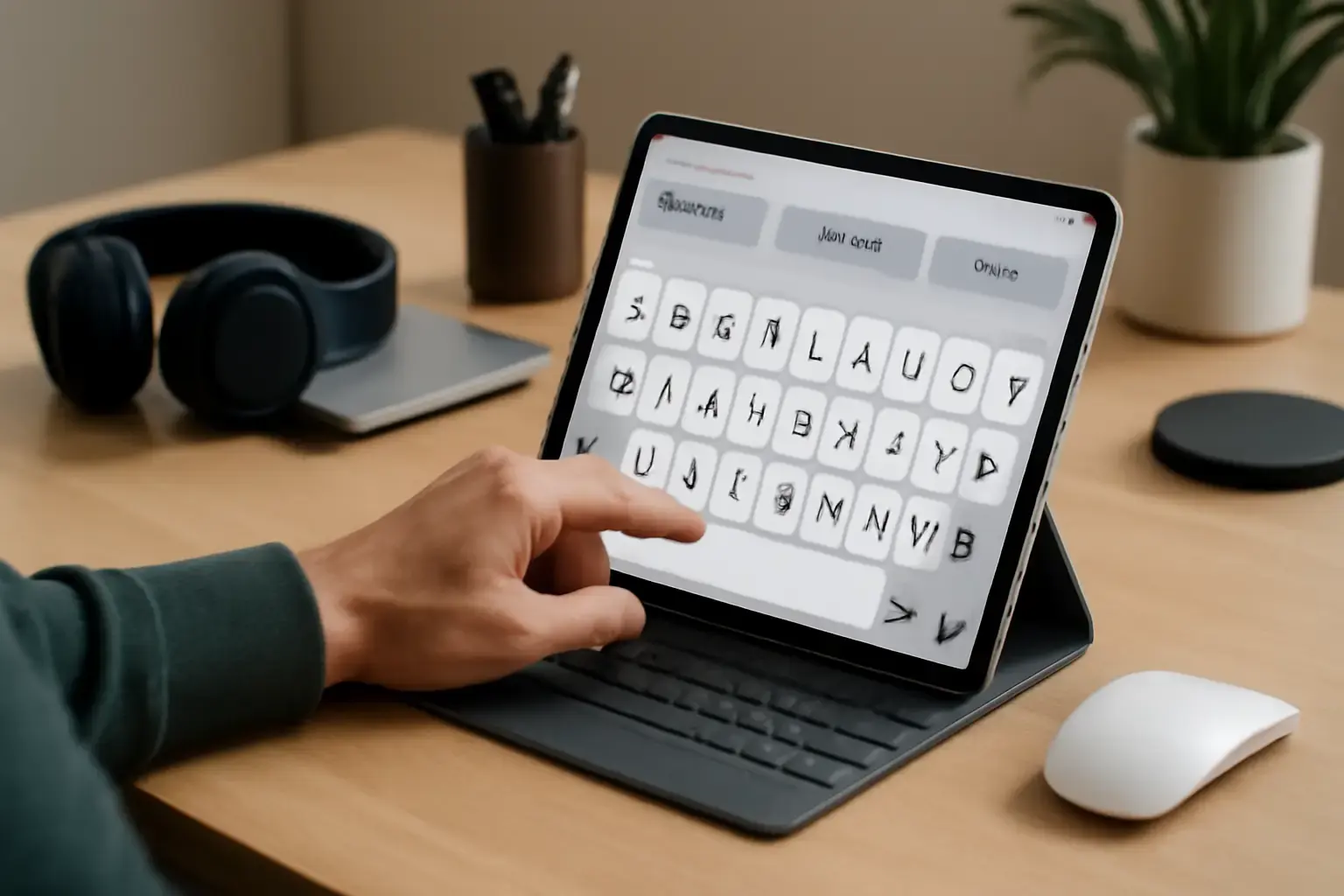
Why Choosing the Right Virtual Keyboard Matters for Motor-Impaired Typists
For individuals with motor impairments, even the best physical keyboards may present challenges due to limited fine motor control, involuntary movements, or muscle fatigue. Virtual keyboard apps provide an accessible alternative, but not all are designed with error reduction and typing accuracy as priorities. Picking the right virtual keyboard can literally transform daily communication, work, and independent device use.
Many virtual keyboards focus on speed or aesthetic customization, which may not address the unique needs of users struggling with motor control. This article focuses on how to choose virtual keyboard apps optimized to minimize typing errors and increase accuracy, specifically for people with motor impairments.
Related reading: Best Multilingual Mobile Keyboard Apps with Custom Shortcuts for Frequent Language Switchers in 2026
Critical Features to Look for in Virtual Keyboard Apps for Motor Impairments
When evaluating virtual keyboards, prioritize these key characteristics that directly impact typing error reduction and comfort:
- Customizable Key Size and Layout: Larger keys reduce the chance of hitting wrong keys due to tremors or imprecise finger movements. Some apps allow resizing keys or switching to layouts with fewer keys per row to ease targeting.
- Adjustable Touch Sensitivity and Activation Delays: Configurable touch sensitivity settings prevent accidental double-taps or unintended key presses from resting fingers or hovering.
- Predictive Text and Auto-Correction: AI-driven suggestions and auto-corrections help correct mistakes before they require manual fixing. However, predictive algorithms should be customizable to avoid frustrating incorrect auto-corrections.
- Haptic and Auditory Feedback: Providing tactile or sound feedback on key press can help confirm input, reducing uncertainty and repeated presses.
- Swipe and Gesture Typing Alternatives: For some users, gesture typing may reduce errors by eliminating the need to tap individual keys. The app should offer multiple input methods to suit different motor impairment profiles.
- Custom Keyboards and Layouts for Specific Needs: Some apps allow creating custom keyboards or layouts tailored to the user’s specific motor challenges, including sticky keys or dwell-time activation.
- Integration with Accessibility Features: Compatibility with the device’s built-in accessibility options, like voice control or switch access, extends usability.
Common Mistakes and Pitfalls to Avoid When Selecting a Virtual Keyboard
Many users and caregivers make assumptions about what’s “best” without testing, resulting in suboptimal choices. Here are some frequent errors:
- Choosing Based Solely on Popularity: Many mainstream virtual keyboards prioritize typing speed and emoji access over error reduction. Popularity does not equate to suitability for motor impairments.
- Ignoring Customization Options: A keyboard with fixed key sizes and layouts may cause more errors. Avoid apps without adjustable sizing or sensitivity.
- Over-reliance on Auto-Correct: Some auto-correct systems aggressively change input, creating confusion for users who want more control. Look for apps that allow granular control over corrections.
- Failing to Test Multiple Input Modes: Some users benefit from gesture typing, others prefer tap typing, and some need dwell or sticky key modes. Don’t settle on a keyboard without trying alternative input styles.
- Not Considering Multilingual Needs: Users typing in multiple languages need keyboards that switch smoothly without disrupting flow, but this can also affect error rates if not handled well.
Top Strategies for Effective Use of Virtual Keyboards to Minimize Errors
Beyond picking the right app, these practical tips improve typing accuracy and reduce frustration:
See also: How to Choose a Keyboard That Supports Fast Coding Symbol Input Without Sacrificing Typing Comfort
- Customize Key Sizes and Layouts: Spend time adjusting key size and spacing to find the most comfortable setup. Many virtual keyboards include one-handed or split layouts designed for accessibility.
- Enable Predictive Text and Auto-Correct Wisely: Configure predictive features to balance helpful suggestions without intrusive changes. Some apps provide learning modes that adapt to your typing habits.
- Use Feedback Mechanisms: Turn on haptic or sound feedback if it helps confirm taps. Conversely, disable feedback if it leads to distraction.
- Practice Consistent Typing Posture and Method: Whether using a stylus, finger, or assistive device, consistent technique helps reduce random slips.
- Employ Shortcut and Macro Features: If available, assign common phrases or words to shortcuts to reduce overall typing load and associated errors.
- Leverage Accessibility Integrations: Combine virtual keyboards with voice dictation or assistive switches when fatigue sets in to maintain communication fluency.
Recommended Virtual Keyboard Apps for Motor-Impaired Users in 2026
Based on the features above and user feedback, here are some virtual keyboard apps worth considering. Each app suits a different profile of motor impairment and typing needs:
- KeyStrokes Accessible Keyboard: Offers fully resizable keys, adjustable touch sensitivity, and custom layouts. Excellent for users needing large, easily targetable keys.
- TouchPal Keyboard: Incorporates advanced predictive text with adjustable auto-correct settings and swipe-to-type. Its customization options help reduce wrong key presses.
- Gboard with Accessibility Features: Google's keyboard includes voice typing, gesture typing, and predictive text combined with accessibility mode compatibility.
- Dasher: Uses a unique continuous gesture input method that can reduce tapping errors drastically for severe motor impairments.
- Click-N-Type (Windows): A free on-screen keyboard designed for people with physical disabilities, offering dwell typing and scanning modes.
For more detailed app comparisons and customizations, see Best On-Screen Keyboard Apps for People With Physical Disabilities Needing Customized Key Sizes and Predictive Text and How to Choose Virtual Keyboard Apps with Predictive Text That Help Users with Physical Disabilities Type Faster.
You may also like: How to Choose Multilingual Keyboard Layout Switcher Apps That Minimize Disruption During Fast Typing on Windows
Final Recommendations: How to Make the Best Choice Now
Choosing a virtual keyboard app that reduces typing errors is a highly personal decision depending on the specific motor impairment, device preferences, and typical typing scenarios. Prioritize apps that provide strong customization for key size and layout, support predictive text with adjustable correction, and offer alternative input methods like gestures or dwell keys.
Test several apps in realistic conditions before committing. Combine virtual keyboards with accessibility features and shortcut options to lower overall typing effort and error rates. Avoid blindly following popularity or speed-only metrics — accuracy and comfort must come first.
For anyone supporting a motor-impaired typist, involve the user in testing and customization to tailor the solution exactly to their needs. The right virtual keyboard app can turn typing from a frustrating chore into a smooth, empowering experience.