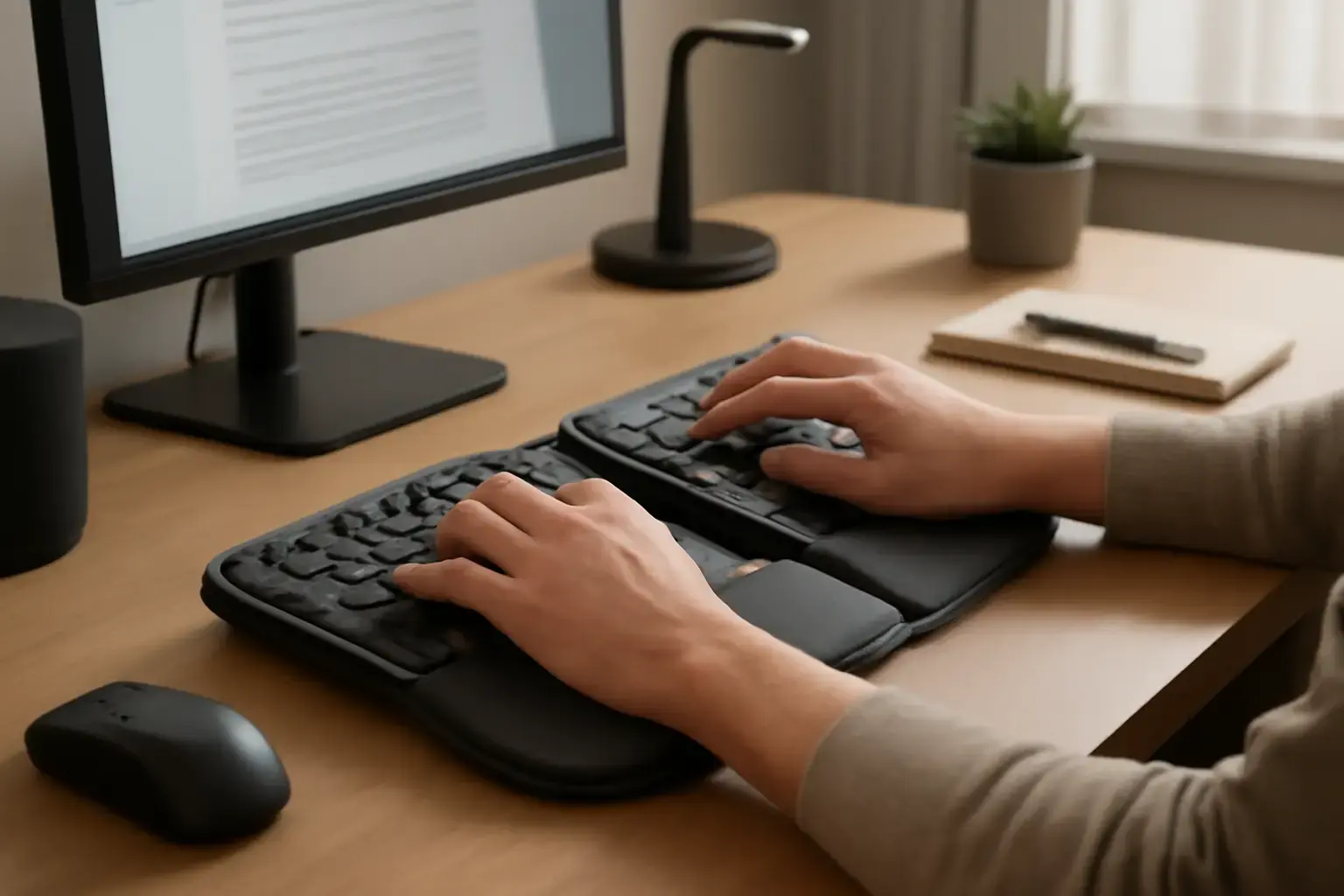
Why Wrist Pain During All-Day Typing Demands a Thoughtful Keyboard Choice
Office workers who spend 6+ hours daily typing often face debilitating wrist pain and fatigue that can degrade productivity and quality of life. While ergonomic keyboards promise relief, many models under $200 fall short in comfort, build quality, or typing experience. If you routinely suffer from wrist strain, simply picking any "ergonomic" keyboard won’t cut it — the wrong keyboard can even worsen your pain. This guide targets office users who want a practical, budget-conscious typing solution that genuinely helps wrist health during marathon typing sessions.
Key Features That Make an Ergonomic Keyboard Effective Against Wrist Pain
Not all ergonomic keyboards are created equal — the right one must balance comfort, typing feel, and adjustability to fit your unique wrist angle and hand posture. Here are crucial features to assess:
- Split Keyboard Layout: A split design separates left and right key clusters, reducing ulnar deviation (wrist bending outward) common with traditional keyboards.
- Tent or Tilt Adjustability: Allowing the keyboard halves to angle upward (tenting) lowers wrist pronation, easing strain on tendons.
- Negative Tilt Option: A slight downward front tilt encourages a more neutral wrist angle instead of bending wrists upward.
- Palm Rest Quality: Comfortable, soft palm rests reduce pressure points during extended typing but should be firm enough to support the wrists without sinking.
- Key Switch Feel and Travel: A keyboard with responsive yet soft key switches minimizes finger fatigue that can cascade into wrist tension.
- Compactness and Layout Familiarity: For office workers, a keyboard too large or with unusual key placements can disrupt typing speed and increase compensatory wrist movements.
Top Ergonomic Keyboards Under $200 That Deliver Real Wrist Pain Relief
After thorough market analysis of current 2025-2026 keyboards, here are standout options that blend ergonomic design with budget constraints:
1. Logitech Ergo K860
Why it stands out: The Logitech Ergo K860 is a well-reviewed split keyboard with a pronounced curved layout and adjustable tenting up to 20 degrees. Its pillowed palm rest supports wrists ergonomically during long sessions. The scissor-switch keys offer a quiet, responsive typing feel preferred in office settings. It's wireless but also supports wired connection via USB.
Related reading: Best Keyboards for Mac and Windows Users Who Switch All Day ⌨️💻
Who should buy: Office users seeking a premium ergonomic design under $200 who value wireless freedom and a proven shape that reduces ulnar deviation.
Trade-offs: Bulkier than compact keyboards; not fully mechanical, so some typists might prefer a firmer tactile feel.
2. Microsoft Sculpt Ergonomic Keyboard
Why it stands out: Microsoft Sculpt features a domed, split layout that encourages a natural wrist position. Its large cushioned palm rest and separate number pad allow customizable desk setups. The quiet, membrane-based keys reduce finger fatigue without loud feedback.
Who should buy: Users who want a tried-and-true layout with a spacious palm rest and don’t mind a bulkier footprint.
Trade-offs: Limited tenting adjustability; somewhat bulky and less portable for office setups with space constraints.
See also: The Best Budget Keyboards for Students and Developers in 2026 ⌨️💻
3. Kinesis Freestyle2 Blue
Why it stands out: The Freestyle2 Blue offers a fully split design with up to 20 inches separation between halves and tenting accessories (sold separately) for upright wrist posture. The low-force membrane keys facilitate long typing without finger fatigue.
Who should buy: Those who want full split flexibility and are willing to add tenting accessories to customize their posture perfectly.
Trade-offs: Requires extra investment for tenting accessories to unlock full ergonomic potential; no palm rest included.
4. Ergodox EZ (Basic Kit Under $200 Variant)
Why it stands out: While full Ergodox EZ kits can be expensive, some basic versions or DIY kits hover under $200. This keyboard offers a fully split, ortholinear layout with programmable keys, allowing users to personalize their typing angle and key placement profoundly.
Who should buy: Tech-savvy office workers willing to customize layouts and invest time in programming for ultimate wrist comfort and efficiency.
You may also like: Best Keyboards for Writers, Editors, and Content Creators ⌨️💡
Trade-offs: Steeper learning curve; ortholinear layout differs from traditional QWERTY, requiring relearning typing muscle memory.
Common Mistakes and What Most Office Users Get Wrong When Buying Ergonomic Keyboards Under $200
- Choosing purely on price or brand name: Many buyers select an ergonomic keyboard just because it’s cheap or from a big brand without verifying if the ergonomic features actually fit their needs.
- Ignoring tenting or tilt adjustability: A split layout alone isn’t enough. Without tenting, wrist pronation remains high, limiting pain relief.
- Skipping palm rest comfort checks: Palm rests that are too hard or too soft can worsen strain, but this is often overlooked online.
- Overlooking key switch type and spacing: Key feel affects finger exertion, which impacts wrist tension. Many ergonomic keyboards use membrane keys that may be too mushy or lacking feedback.
- Not considering workspace size: Large keyboards that don’t fit well in your desk space can force awkward arm positions and increase wrist stress.
Practical Buying Checklist: What to Look for When Choosing Your Under-$200 Ergonomic Keyboard
- Split & Adjustable Design: Confirm the keyboard splits or has at least tenting and negative tilt options.
- Palm Rest Supporting Your Wrist: Test or confirm the palm rest is soft yet firm enough to avoid pressure points.
- Typing Feel & Noise Level: Consider whether you want mechanical, membrane, or scissor switches based on your noise tolerance and finger fatigue.
- Connectivity Options: Bluetooth and wired options increase flexibility for office setups.
- Size & Layout Familiarity: Choose a keyboard that fits your desk and matches your typing habits.
- Warranty & Support: Good warranty coverage matters for a health-related investment.
Conclusion: Which Ergonomic Keyboard Under $200 Should Office Users with Wrist Pain Choose?
If you want an out-of-the-box ergonomic keyboard that genuinely reduces wrist pain during all-day typing without breaking the bank, the Logitech Ergo K860 hits the sweet spot in 2026. It balances advanced ergonomic design, solid build, and typing comfort in a wireless package. For users who prefer a traditional but ergonomic feel with a spacious palm rest, the Microsoft Sculpt Ergonomic Keyboard remains a reliable choice.
If you’re willing to invest time in customization and want full split flexibility, the Kinesis Freestyle2 plus tenting accessories is ideal. Tech enthusiasts craving full programmability can explore Ergodox EZ kits but should be ready for a learning curve.
Whichever option you choose, focus on keyboard tenting, a comfortable palm rest, and a layout that fits your workspace — these matter more than just price or brand name. Avoid common mistakes like ignoring wrist posture adjustability or settling for uncomfortable key switches, as these factors determine if your new ergonomic keyboard truly eases your wrist pain and makes marathon typing sessions sustainable.
For a deeper dive on budget ergonomic keyboards for remote work and students battling finger fatigue, check our related guides Best Ergonomic Keyboards Under $150 for Remote Workers and Best Budget Ergonomic Keyboards for Students Battling Finger Fatigue.