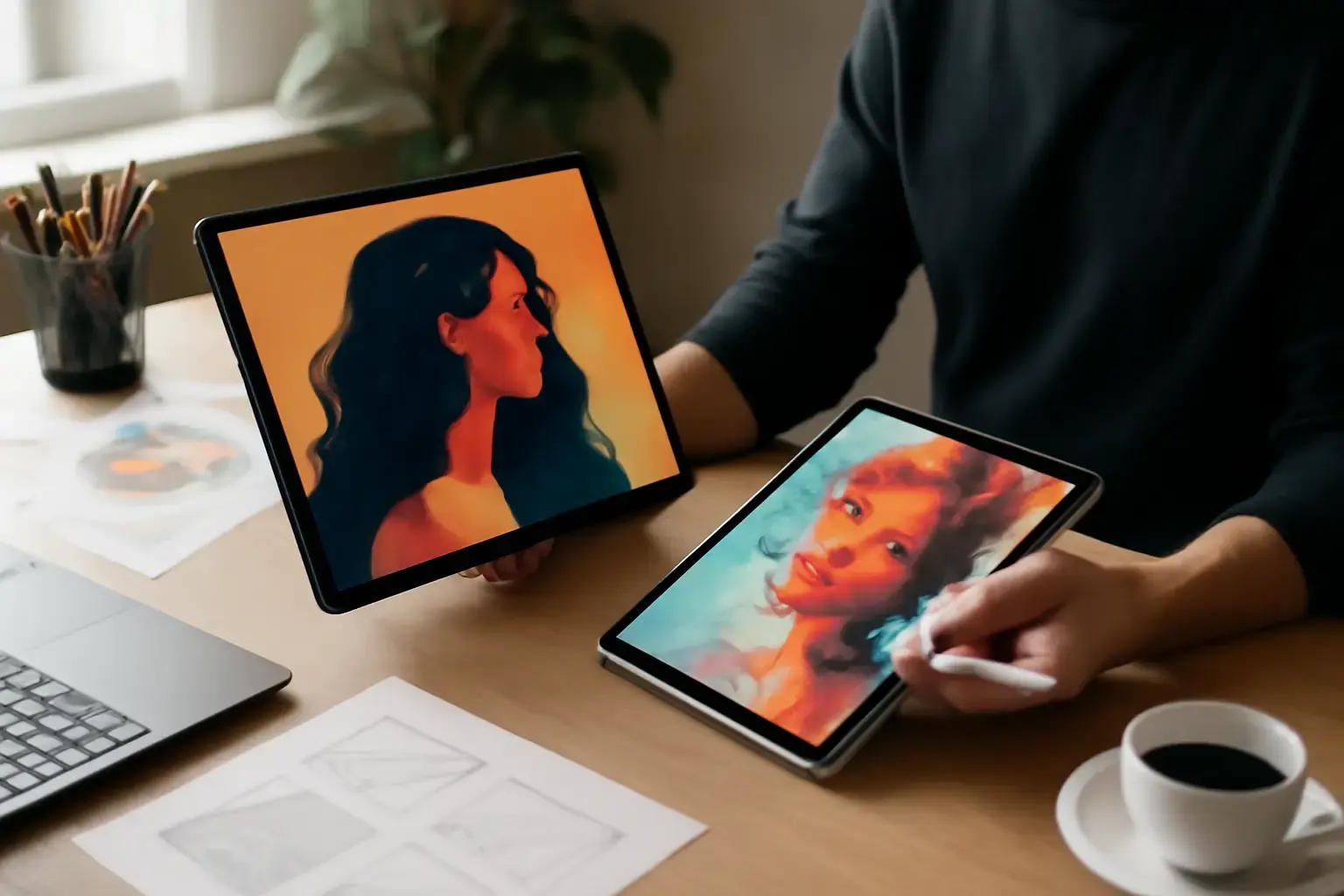
Why Fast App Performance and Stylus Support Are Crucial for Creatives
For digital artists, illustrators, graphic designers, video editors, architects, and content creators, a tablet is no longer just a secondary device—it has become a professional creative workstation. Whether you are sketching concepts, editing 4K videos, retouching photos, creating layered illustrations, or managing design workflows, fast app performance and responsive stylus support directly affect productivity, creativity, and workflow efficiency.
A powerful tablet should feel instant and fluid. Delays when drawing, rendering, zooming, or switching between layers can interrupt creative momentum and reduce precision. That’s why professional creatives in 2026 increasingly prioritize real-world responsiveness over marketing numbers alone.
Stylus quality matters just as much as raw processing power. Features like ultra-low latency, palm rejection, pressure sensitivity, tilt recognition, hover functionality, and natural handwriting response can dramatically improve the drawing experience. A poor stylus experience often leads to inaccurate strokes, slower workflows, and increased fatigue during long creative sessions.
Many buyers make the mistake of comparing tablets only by RAM or processor specifications. In reality, long-term satisfaction depends more on software optimization, app ecosystem quality, stylus consistency, thermal performance, and workflow compatibility with the tools creatives actually use every day.
Comparing Current-Gen Android Tablets and iPads: What Creatives Need to Know
Hardware and Stylus Technology: Apple’s latest iPad Pro and iPad Air models continue to dominate the premium creative tablet market in 2026 thanks to their exceptional hardware-software optimization. The Apple Pencil Pro and second-generation Apple Pencil provide near-zero latency, advanced pressure sensitivity, tilt support, hover previews, and extremely accurate stroke tracking. Magnetic attachment and wireless charging also make the overall experience seamless for daily professional use.
The latest iPad Pro models featuring Apple Silicon chips are particularly impressive for illustrators and video creators working with demanding applications such as Procreate, DaVinci Resolve, Affinity Designer, Adobe Fresco, and LumaFusion. Even under sustained workloads, iPads maintain smooth performance with minimal thermal throttling.
On the Android side, flagship devices such as the Samsung Galaxy Tab S10 Ultra and premium Snapdragon-powered tablets have significantly improved in recent years. Samsung’s S Pen technology now offers excellent responsiveness, low latency, strong palm rejection, and precise pressure handling that feels highly natural for note-taking and digital art.
However, Android tablet experiences remain more inconsistent depending on the manufacturer. Some Android brands still deliver weaker stylus optimization, slower software updates, or less refined app behavior compared to Apple’s tightly controlled ecosystem. This makes model selection far more important when buying an Android tablet for professional creative work.
Related reading: iPad vs Android Tablets for Mobile Video Editing: Which Delivers Better Performance and App Support?
Processor and Sustained Performance: One of the biggest advantages of modern iPads is Apple Silicon efficiency. The newest M3-powered iPad Pro models deliver desktop-class performance while maintaining excellent battery life and low heat generation. This matters heavily for tasks like:
- 4K and 8K mobile video editing
- 3D sculpting and rendering
- Large layered illustration projects
- RAW photo editing
- Animation workflows
- AI-assisted creative applications
Android tablets powered by Snapdragon 8 Gen 3 Elite and equivalent flagship chipsets are extremely capable for most creative workloads. Multitasking, drawing, and light-to-moderate editing perform very well on premium Android devices. However, under prolonged rendering or export workloads, some Android tablets still experience thermal throttling that can reduce sustained performance consistency.
For professional creatives who spend hours working on intensive projects daily, this difference becomes noticeable over time.
App Ecosystem and Creative Software Support
The app ecosystem remains one of the strongest reasons many professional creatives continue choosing iPads in 2026. Apple’s tablet platform has years of optimization behind it, and many leading creative applications either launch first on iPadOS or receive better long-term support there.
Professional-grade apps like Procreate, Nomad Sculpt, Affinity Photo, Affinity Designer, LumaFusion, DaVinci Resolve for iPad, Adobe Lightroom, Final Cut Pro for iPad, and Adobe Fresco are heavily optimized for Apple hardware. These applications typically deliver smoother performance, more advanced features, better stylus handling, and more stable workflows on iPads.
Another major advantage is that developers often prioritize iPad optimization because creative professionals are heavily concentrated within the Apple ecosystem. This results in faster feature rollouts, improved reliability, and stronger accessory integration.
Android tablets have improved substantially, especially with apps like:
- Clip Studio Paint
- Infinite Painter
- Krita
- Canva
- Adobe Express
- Concepts
- Lightroom Mobile
Samsung’s ecosystem enhancements and DeX mode also help Android tablets feel more productivity-oriented than before. However, some Android creative apps still lack advanced desktop-level functionality, and optimization quality varies more widely between devices.
For artists who rely on niche professional tools or advanced workflows, checking software compatibility before purchasing is critical.
Notably, several advanced creative apps still perform better or remain exclusive to iPadOS, especially in illustration, music production, and professional mobile video editing. This continues to give Apple an edge among serious creative professionals.
See also: iPad vs Android Tablet for Work and Study: Which Is Better in 2026?
Display Quality Matters More Than Most Creatives Expect
Display technology plays a major role in creative accuracy and long-term comfort. High refresh rates, accurate color calibration, brightness levels, HDR support, and anti-reflective coatings all affect how creators experience their work.
The newest iPad Pro OLED displays deliver exceptional color accuracy, deep contrast, and ultra-smooth 120Hz ProMotion responsiveness. These qualities are especially valuable for:
- Professional photo editing
- Digital painting
- Color grading
- Animation
- Typography work
Samsung’s AMOLED tablet displays are also among the best available in 2026. Many artists actually prefer Samsung’s vibrant AMOLED panels for media creation and entertainment. Large-screen Android tablets can also provide more canvas space for multitasking and illustration workflows.
Still, Apple generally maintains more consistent factory color calibration, which matters for professionals requiring accurate color reproduction.
Portability, Battery Life, and Accessory Support
Both premium iPads and flagship Android tablets now offer excellent portability and all-day battery life. Most modern high-end tablets comfortably provide between 10 and 14 hours of mixed creative usage depending on workload intensity.
iPads continue to stand out because Apple’s hardware and software integration helps preserve battery efficiency even during intensive tasks like rendering or long illustration sessions. Standby battery drain is also typically lower on iPads compared to many Android tablets.
Accessory ecosystems differ significantly between platforms. Apple offers highly polished accessories such as:
- Magic Keyboard
- Apple Pencil Pro
- Smart Folio cases
- USB-C creative accessories
- Professional docking solutions
These accessories integrate seamlessly with iPadOS and often feel premium and reliable.
Android tablets provide broader flexibility with USB-C hubs, external displays, SSD support, gaming accessories, and expandable storage options on some models. Samsung DeX also improves desktop-style multitasking for productivity-focused creatives.
For creators who travel frequently or work remotely, portability and accessory quality can heavily influence daily usability.
For many professionals, iPads offer the smoother overall experience, while Android tablets offer greater hardware flexibility and connectivity freedom.
Common Buying Mistakes Creatives Make with Tablets
- Overlooking Stylus Quality: Many buyers assume all styluses provide the same experience. In reality, latency, pressure sensitivity, hover features, palm rejection, and stroke consistency vary dramatically between brands and models.
- Ignoring Long-Term Software Support: Tablets used professionally should receive years of reliable updates. iPads typically maintain longer software support cycles and faster updates than many Android tablets.
- Focusing Only on Specifications: More RAM or higher benchmark scores do not always translate into better creative workflows. Optimization and app support matter far more in real-world usage.
- Buying Based on Entertainment Reviews: A tablet that performs well for streaming or gaming may still struggle with professional illustration or video editing workloads.
- Ignoring App Availability: Some creative tools remain exclusive to iPadOS or perform noticeably better there. Always verify your required apps before purchasing.
- Choosing Cheap Accessories: Low-quality keyboards, styluses, or protective cases can negatively affect the entire user experience.
- Skipping Hands-On Testing: Stylus feel is highly personal. Testing drawing response, grip comfort, and screen texture in person can prevent expensive mistakes.
- Neglecting Ecosystem Integration: Creatives already invested in MacBooks and iPhones often benefit significantly from Apple ecosystem features like AirDrop, Sidecar, Handoff, and iCloud sync. Meanwhile, Android and Windows users may prefer Google ecosystem flexibility.
Who Should Choose Which in 2026?
Choose an iPad if:
You may also like: Best Tablets for Artists and Designers in 2026: Pressure Sensitivity and App Support Compared
- You want the most polished and responsive stylus experience available.
- You rely on professional creative apps like Procreate, Affinity Designer, Final Cut Pro, or LumaFusion.
- You need highly stable long-term performance for demanding creative workflows.
- You prioritize accurate color reproduction and premium display quality.
- You value long software support and consistent updates.
- You want strong integration with Mac, iPhone, and other Apple devices.
- You need reliable battery life during extended creative sessions.
- You prefer a refined, optimized experience with fewer compatibility issues.
Choose an Android Tablet if:
- You prefer larger display options and more hardware variety.
- You want expandable storage or advanced USB-C connectivity.
- You already rely heavily on Google services and Android devices.
- You value multitasking flexibility and desktop-style interfaces like Samsung DeX.
- You want a strong stylus experience while maintaining more customization freedom.
- You often connect external drives, monitors, or accessories.
- You prefer open ecosystem flexibility over tightly controlled software environments.
For creatives primarily focused on mobile video editing, see our detailed comparison at Top Current-Gen Tablets for Mobile Video Editing in 2026. To dig deeper into app ecosystem differences, check iPadOS vs Android Tablets in 2026: Which Ecosystem Offers the Best App Support for Creatives?.
Final Recommendation: Real-World Creative Workflow Matters Most
If your work depends on the absolute best tablet experience for professional illustration, advanced video editing, digital painting, graphic design, animation, or high-end creative production, the latest iPad Pro and iPad Air models still maintain a noticeable edge in 2026. Their combination of Apple Silicon performance, exceptional stylus responsiveness, premium displays, and industry-leading creative software creates one of the most refined mobile creative workflows available today.
That said, Android tablets have evolved dramatically. Premium options like Samsung’s Galaxy Tab Ultra lineup now provide excellent performance, high-quality AMOLED displays, capable stylus experiences, strong multitasking features, and superior hardware flexibility for many creative professionals.
Ultimately, the best tablet for creatives depends less on brand loyalty and more on your real workflow requirements. The apps you rely on, your preferred operating system, your accessory needs, and the way you create content every day should guide your decision.
Before making a final purchase, testing both ecosystems in real-world conditions remains the smartest strategy. A tablet that feels natural and frictionless during your creative process will always outperform one that only looks better on a specifications sheet.