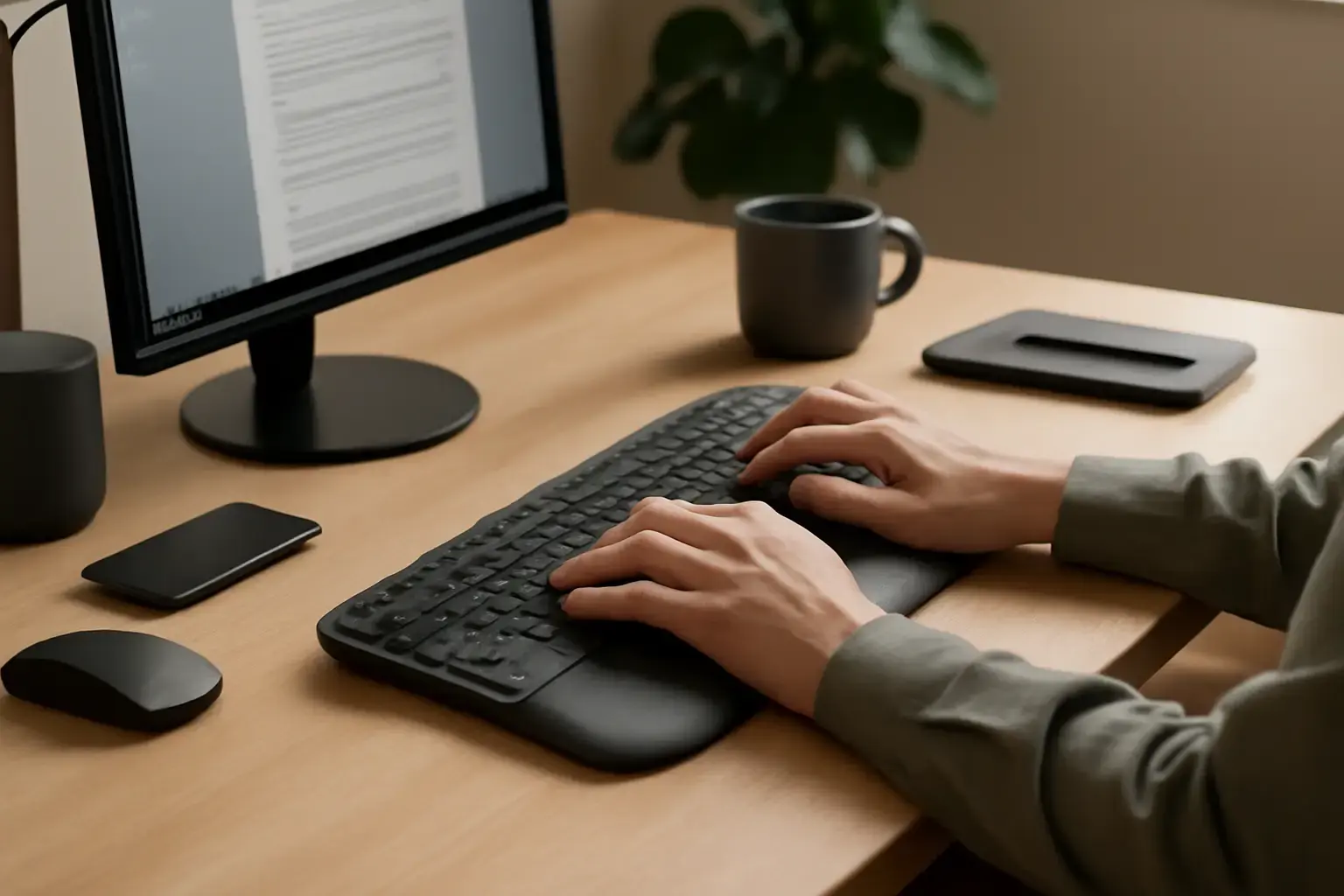
Why Wrist Pain Happens and the Real Role of Ergonomic Keyboards
Office users who type all day often suffer from wrist pain due to awkward hand positioning, repetitive stress, and poor keyboard design. Traditional flat keyboards force your wrists to bend unnaturally, causing strain over hours. Ergonomic keyboards aim to fix this by promoting a more natural wrist angle and reducing tension. However, the market floods with expensive options that don’t always deliver meaningful relief. For budget buyers, understanding exactly which ergonomic features matter most can prevent wasted money and ongoing discomfort.
Simply prioritizing an "ergonomic" label is not enough. Factors such as keyboard split design, tenting angle, key shape, and wrist support all influence comfort. This article guides office workers through choosing the best budget ergonomic keyboard that actually prevents wrist pain during extended typing.
Related reading: Best Ergonomic Keyboards Under $150 for Remote Workers Prone to Wrist and Finger Fatigue in 2026
Key Features to Look for in a Budget Ergonomic Keyboard
Ergonomic keyboards come in various shapes, but some features consistently impact wrist comfort and typing efficiency:
- Split Design: A keyboard split into two halves allows your hands to rest shoulder-width apart, reducing ulnar deviation (wrist bending outward). Budget models often offer a fixed split, which still improves wrist posture significantly over standard keyboards.
- Tenting Angle: Raising the middle of the keyboard slightly (tenting) keeps wrists from twisting inward. While adjustable tenting is rare in budget options, some offer a subtle fixed tent, enough to reduce strain.
- Negative Tilt: Tilting the keyboard away from you lowers wrist extension. Many budget ergonomic keyboards provide a negative tilt or flat layout to help keep wrists neutral.
- Key Shape and Layout: Sculpted or concave keycaps reduce finger travel and promote natural finger placement. Budget ergonomic keyboards may not have premium sculpting but should at least avoid flat, uniform keys that increase fatigue.
- Wrist Support: Dedicated palm rests with soft cushioning aid in maintaining a neutral wrist angle. Budget models usually include detachable or built-in wrist rests; prioritize models where the wrist support feels comfortable without causing heat buildup.
Common Trade-Offs in Budget Ergonomic Keyboards
Buying an ergonomic keyboard on a budget inevitably means accepting some compromises. Knowing these helps you make an informed choice:
- Build Quality: Cheaper ergonomic keyboards often use lightweight plastic and less durable key switches, which can affect longevity and typing feel. Expect some flex or less clicky feedback compared to premium models.
- Limited Adjustability: Premium ergonomic keyboards feature adjustable split angles, tenting, and tent height. Budget options usually have fixed layouts with minimal or no adjustability, which might not perfectly fit every hand size or typing posture.
- Typing Experience: Budget keyboards tend to use membrane or low-cost mechanical switches that may be less tactile and less precise, potentially affecting typing speed and accuracy.
- Size and Layout Constraints: Many budget ergonomic models sacrifice keys or use unconventional layouts to cut costs, which can require an adjustment period. Some omit dedicated function keys or numpads.
- Connectivity Options: Wireless ergonomic keyboards with good battery life are rare under budget. Most offer wired USB connections, which some users might find limiting for flexible desk setups.
Practical Buying Tips for Office Users with Wrist Pain
To avoid common pitfalls and spend your budget wisely, keep these practical tips in mind:
See also: Best Budget Ergonomic Keyboards for Students Battling Finger Fatigue in Long Typing Sessions
- Test If Possible: Wrist pain is highly personal. If possible, try typing on different models in-store or borrow from colleagues to feel which design minimizes your discomfort.
- Prioritize Split and Tent Features: Even a fixed split and subtle tenting make a big difference in wrist posture. Avoid purely flat keyboards labeled "ergonomic" that lack these features.
- Don’t Overvalue Aesthetics: Sleek or ultra-compact designs often sacrifice ergonomic benefits. Comfort and neutral wrist position come first.
- Watch Out for Key Travel and Feedback: Shallow, mushy keys increase fatigue. Look for keyboards with responsive keys that match your typing style, even if mechanical switches are out of budget.
- Use External Wrist Rests if Needed: Separate gel or memory foam wrist rests can complement budget ergonomic keyboards that lack good integrated support.
- Check Compatibility: Ensure the keyboard works with your office setup and software shortcuts, especially if you use Windows, macOS, or Linux.
- Read Reviews Focused on Long-Term Comfort: Reviews that emphasize wrist pain relief and typing comfort after weeks of use are more valuable than short-term impressions.
Recommended Budget Ergonomic Keyboard Options for Office Users in 2026
Here are some budget ergonomic keyboards currently available that balance affordability and comfort features for office use:
- Perixx Periboard-512: Fixed split, negative tilt, and integrated palm rest. Membrane keys but decent feedback for the price. Wired USB connection and full-sized layout.
- Kinesis Freestyle2 Blue (Basic Model): Well-known split design with 9-inch separation, fixed tenting via accessories (sold separately), and low-profile keys. Sometimes found discounted near budget range.
- Microsoft Sculpt Ergonomic Keyboard (Standard Edition): Slightly above basic budget but often discounted below $100. Dome-shaped keys, split layout, cushioned palm rest, and negative tilt.
- Goldtouch Adjustable Keyboard (Budget Variants): Adjustable split angle (unique at budget level) but limited tenting. Wired connection and compact design.
- Logitech Ergo K860 (Refurbished or Sale): Normally premium priced, but occasional sales or refurbished units drop into budget territory. Curved split design, pillowed wrist rest, and high-quality scissor switches favored for typing comfort.
For more budget ergonomic keyboard picks, see our detailed guide Best Ergonomic Keyboards Under $200 for Office Users Experiencing Wrist Pain During All-Day Typing.
When to Avoid Budget Ergonomic Keyboards
If your wrist pain is severe or results from medical issues like carpal tunnel syndrome, budget ergonomic keyboards may not be enough. In such cases, investing in a premium ergonomic keyboard with full adjustability and high-quality switches or consulting a specialist for a custom setup is recommended. Also, if you type for extremely long sessions with high accuracy demands (e.g., professional writers or coders), a superior keyboard may justify the extra expense for healthy hands and peak performance.
You may also like: Best Multilingual Mobile Keyboard Apps with Custom Shortcuts for Frequent Language Switchers in 2026
Beware that some budget products marketed aggressively as ergonomic keyboards actually offer minimal ergonomic benefit and can worsen wrist posture. Avoid flat or mini keyboards with no split or tenting simply because they look modern or trendy.
Final Recommendation: Invest Smartly in What Prevents Wrist Pain Without Overspending
For office users battling wrist pain during all-day typing, a budget ergonomic keyboard can be a game-changer if chosen wisely. Focus on keyboards offering a split design, negative tilt, and some wrist support first. Accept that compromises on build quality and switch type are inevitable but do not settle for keyboards that fail to improve wrist posture fundamentally. Test before buying if possible, and complement your keyboard with an external wrist rest if needed.
With these criteria and practical advice, you can find a budget ergonomic keyboard that genuinely reduces wrist pain and boosts typing comfort, keeping you productive and pain-free throughout the workday.